How to duplicate a Slack scenario in Make
Here is how to duplicate a slack scenario in make
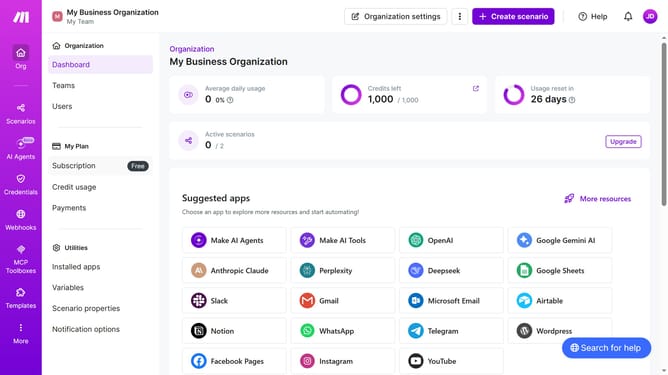
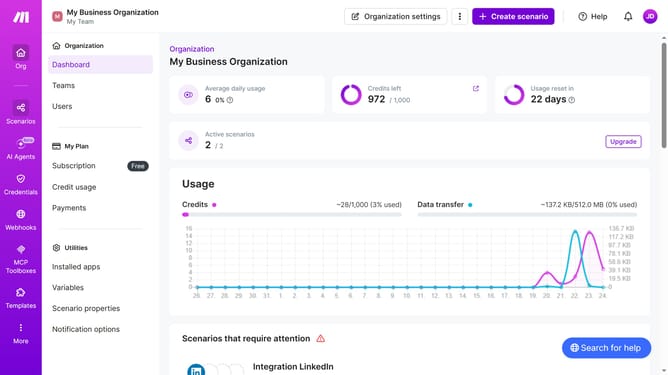
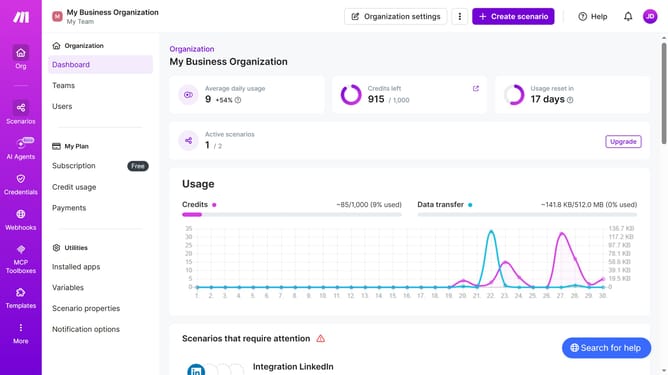
- First, click on the "Scenarios" option in the left sidebar
- Then, click on the "..." button in the header
- Next, click on the "Clone" option that appears in the dropdown menu
- After that, select the "Name of new scenario" text field and enter your scenario name
- Finally, click on the "Save" button
Why should you duplicate a Slack scenario in Make
Make is a powerful automation platform designed to streamline workflows by connecting apps and services effortlessly.
Duplicating a Slack scenario in Make leverages this platform's robust capabilities, enabling the easy replication of complex workflows without repetitive setup.
This feature is invaluable for teams looking to save time, as it ensures consistency and efficiency across duplicated processes.
Overall, using Make to duplicate Slack scenarios enhances productivity and minimizes manual errors, freeing teams to focus on more impactful tasks.
Last update