How to delete a Microsoft 365 Email (Outlook) scenario in Make
Here is how to delete a microsoft 365 email (outlook) scenario in make
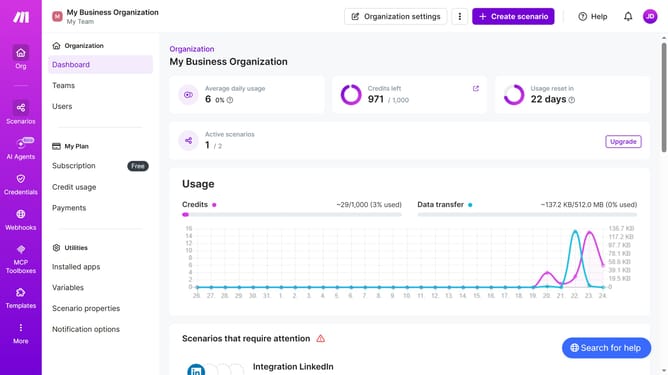
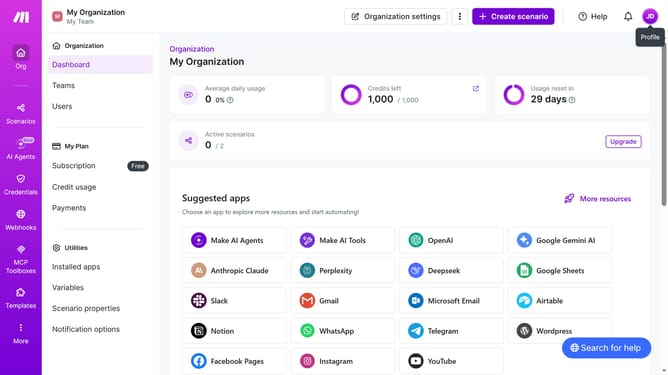
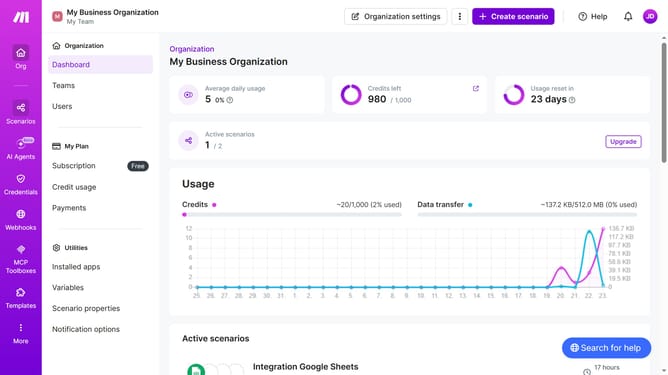
- First click on "Scenarios" in the left sidebar
- Then click on the three vertical dots icon next to the scenario that you want to delete
- Next, select the "Delete" option from the dropdown menu
- Finally, click the "Delete" button to confirm the deletion
Why should you delete a Microsoft 365 Email (Outlook) scenario in Make
Make is an intuitive automation platform designed to streamline workflows effortlessly.
Among its many features, deleting a Microsoft 365 Email (Outlook) scenario in Make ensures that your workflow remains optimized and clutter-free. This function enables users to manage their automated processes efficiently without unnecessary complexities.
Utilizing this feature not only helps in maintaining organization within your automated tasks but also enhances productivity by focusing on essential workflows, minimizing distractions, and reducing digital overload.
Last update