How to set your personal language in Make
Here is how to set your personal language in make
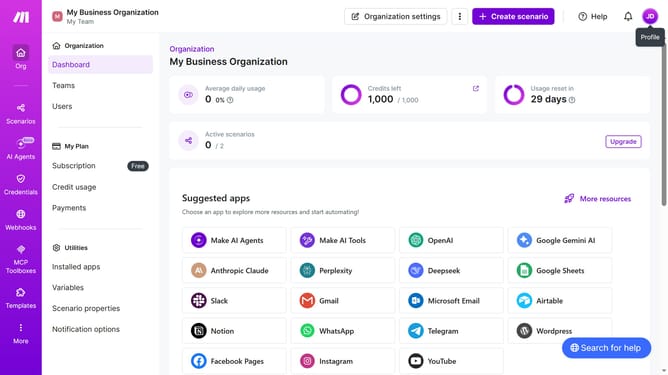
- First click on the user icon with your initials in the header
- Then click on "Profile" from the dropdown menu
- Next, in the left sidebar, click on "Time zone options"
- After that, click on the "Edit" button
- Then click on the "Language" dropdown menu in the "Change details" modal
- Next, select "English" from the language options
- Finally click on the "Save" button
Why should you set your personal language in Make
Make is a powerful tool designed to automate workflows effortlessly, boosting productivity and efficiency.
Setting your personal language in Make ensures you have a more intuitive experience, enabling you to navigate with ease and confidence.
This feature personalizes your interaction with the platform, creating a welcoming environment tailored to your preferences.
By using your native or preferred language, you streamline processes, reduce misunderstandings, and ultimately enhance your overall productivity within the Make ecosystem.
Last update