How to get email when there are errors in scenario run in Make
Here is how to get email when there are errors in scenario run in make
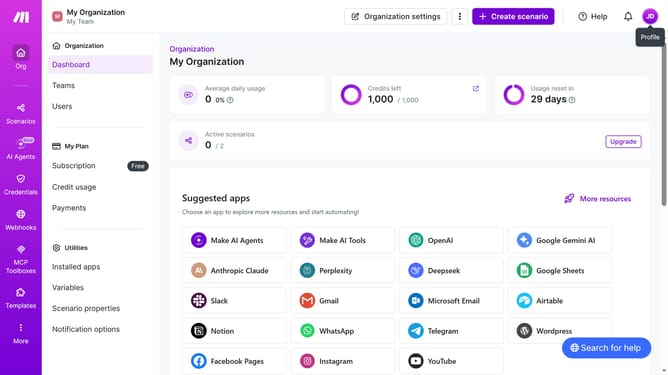
- First click on the user profile icon in the top right corner of the header
- Then click on "Profile" from the dropdown menu
- Next, click on "Email preferences" in the left sidebar
- Finally, click on the toggle switch to enable it
Why should you get email when there are errors in scenario run in Make
Make is a versatile automation platform designed to streamline and optimize your workflows.
With the feature to receive email notifications for errors in scenario runs, users are always informed promptly when issues arise. This proactive alert system ensures that problems are addressed swiftly, minimizing downtime and maintaining smooth operations.
By subscribing to these notifications, businesses can enhance their response time and efficiency, ultimately leading to better performance and reduced risk of overlooked issues, thus fostering a more reliable automation environment.
Last update