How to delete a Google Sheets scenario in Make
Here is how to delete a google sheets scenario in make
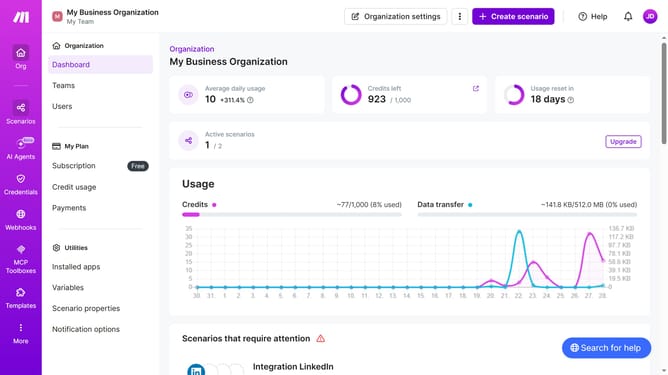
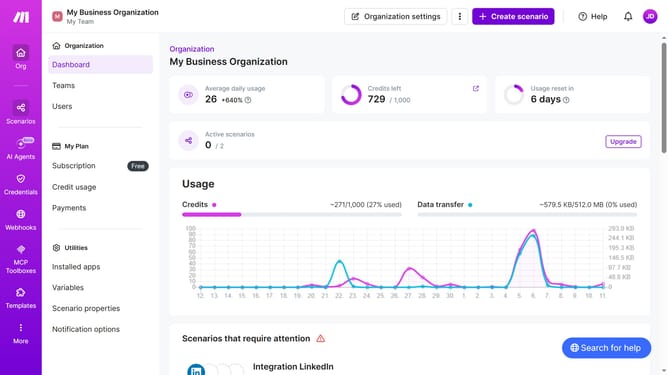
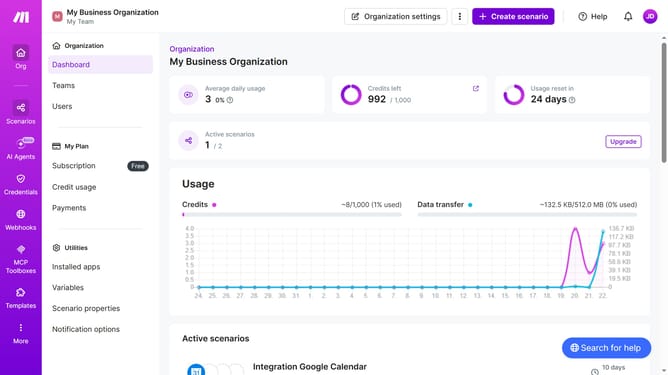
- First click on "Scenarios" in the sidebar
- Then click on the three dots icon next to the item you want to manage
- Next select "Delete" from the dropdown menu
- Finally click on the "Delete" button to confirm
Why should you delete a Google Sheets scenario in Make
Make is an innovative platform designed to automate workflows seamlessly.
Deleting a Google Sheets scenario within Make is a straightforward feature that enhances the efficiency of your workflow management.
By removing unnecessary or outdated scenarios, you can streamline processes, reduce clutter, and maintain optimal performance.
This allows users to focus on more important tasks, improving productivity and ensuring the system remains organized and efficient for future automation activities.
Last update