How to add a scenario description for Slack in Make
Here is how to add a scenario description for slack in make
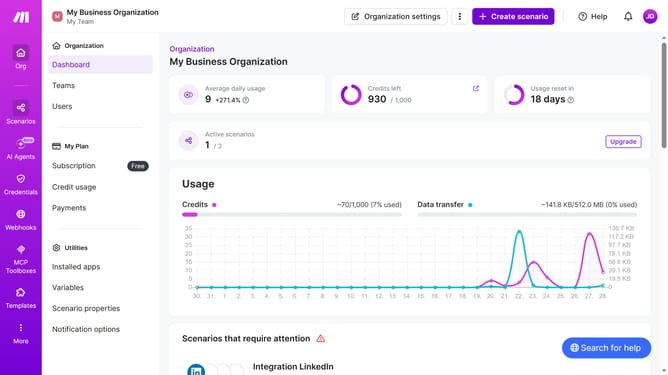
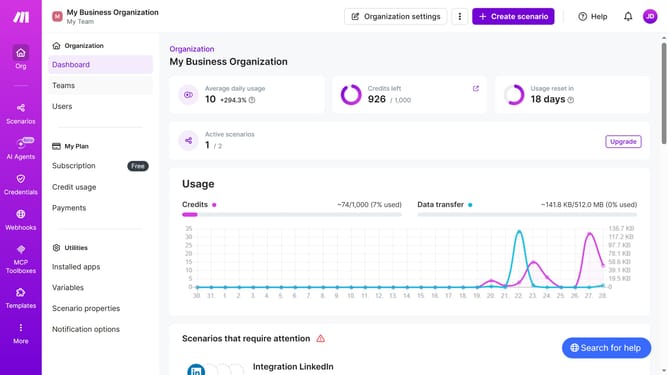
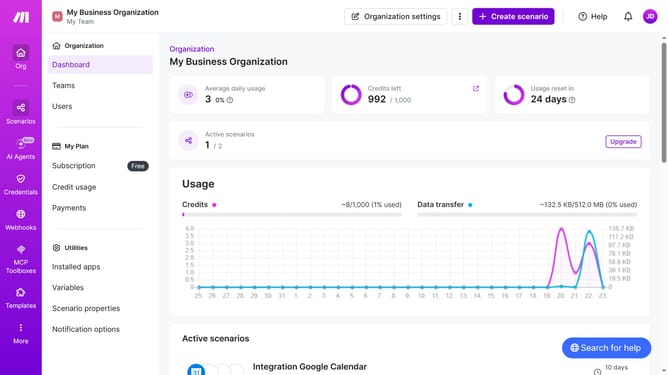
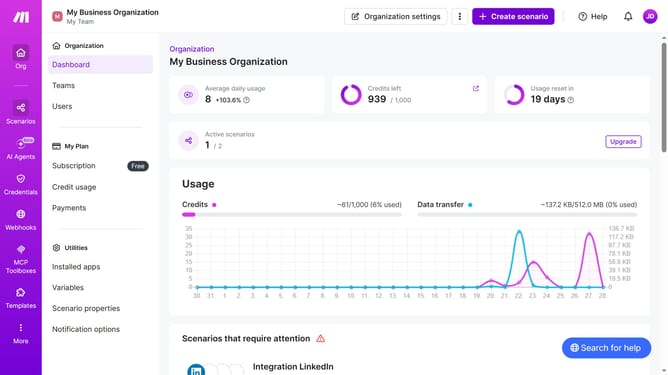
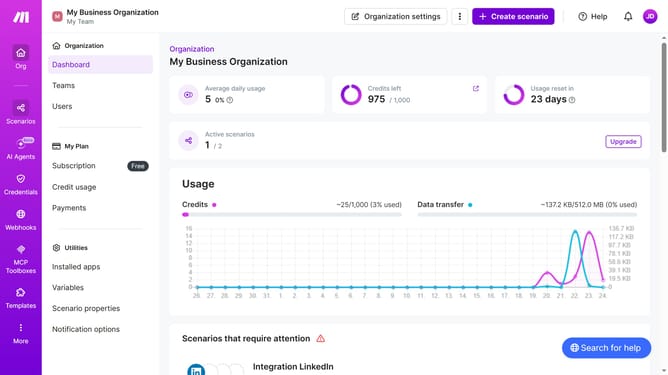
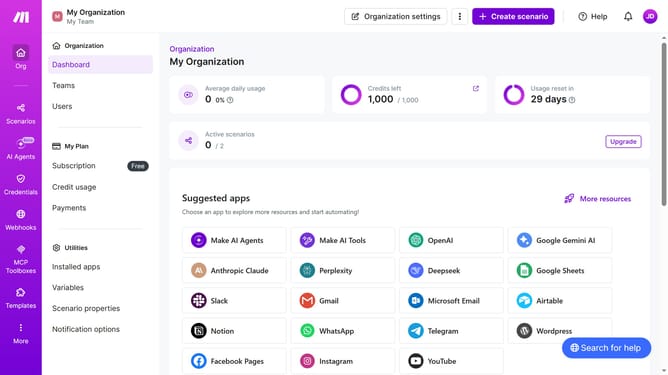
- First click on "Scenarios" in the left sidebar
- Then click on the Slack" scenario in the main panel
- Next, click on the "Options" button
- After that, click on "Edit description" from the dropdown menu
- Then, input the desired text into the "Description" input field
- Finally, click on the "Save" button
Why should you add a scenario description for Slack in Make
Make is a powerful automation platform designed to streamline workflows across various applications.
By adding a scenario description for Slack in Make, users can efficiently organize and communicate the purpose and functionality of each automation within their workspace.
This feature not only enhances team collaboration but also ensures clarity, minimizing confusion and errors in task execution. Implementing scenario descriptions encourages a more transparent and productive work environment, ultimately boosting overall efficiency.
Last update