How to duplicate a Zoom scenario in Make
Here is how to duplicate a zoom scenario in make
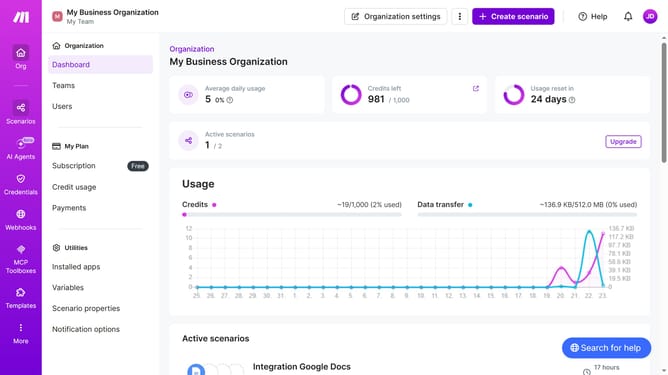
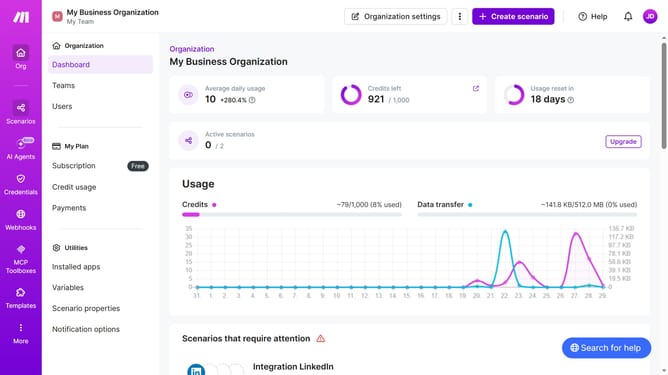
- First click on "Scenarios" in the left sidebar
- Then click on the three vertical dots icon next to the Zoom scenario title
- Next select "Clone" from the dropdown menu
- Then click on the "Yes" radio button
- Finally click on the "Save" button
Why should you duplicate a Zoom scenario in Make
Make is a versatile automation platform that connects and automates workflows seamlessly.
The feature to duplicate a Zoom scenario in Make allows users to replicate complex workflows effortlessly. This capability ensures that any intricate setup meant for Zoom meetings can be cloned without hassle, saving time and effort.
By duplicating scenarios, users maintain consistency, improve efficiency, and simplify the management of recurring tasks. This not only boosts productivity but also provides peace of mind knowing that critical workflows are reliably reproduced.
Last update