How to delete a Discord scenario in Make
Here is how to delete a discord scenario in make
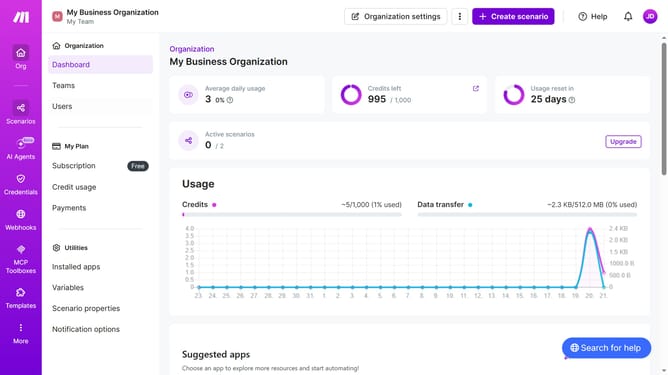
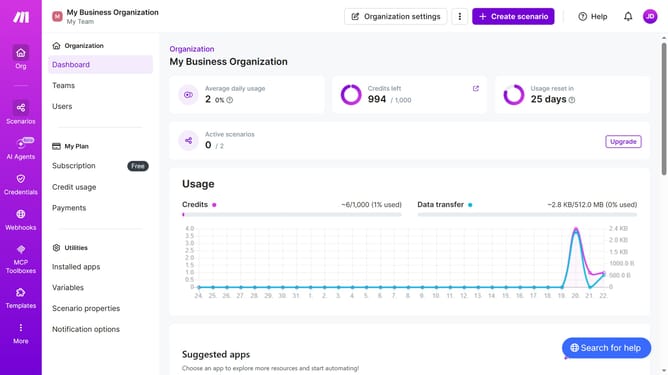
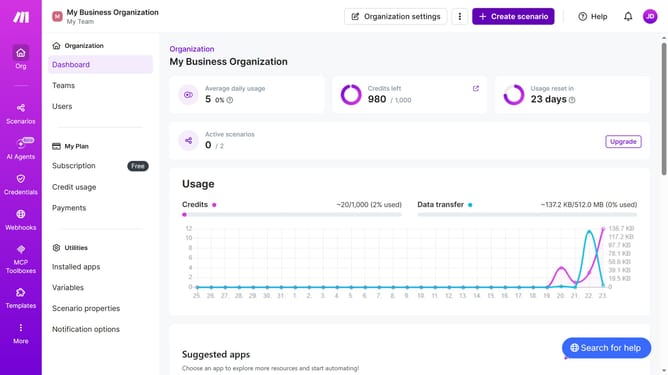
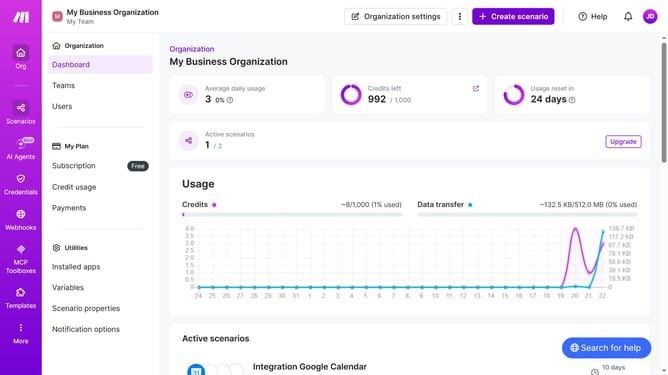
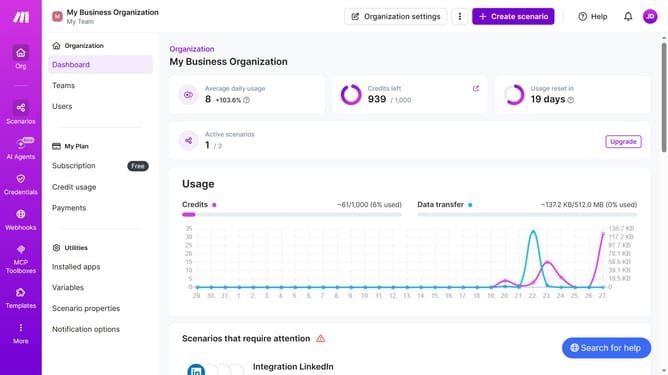
- First click on "Scenarios" item in the left sidebar
- Then click on the three dots icon in the top menu
- Next, select the "Delete" option from the dropdown menu
- Finally, click on the "Delete" button to confirm
Why should you delete a Discord scenario in Make
Make simplifies automation by seamlessly connecting your favorite tools to streamline workflows.
One useful feature is the ability to delete a Discord scenario, offering the flexibility to manage and fine-tune your automation processes efficiently.
This feature is beneficial for decluttering your dashboard, focusing on current projects, and ensuring only necessary scenarios are active, which optimizes performance and enhances productivity.
Using this capability allows you to maintain a clean and organized workspace, prioritizing high-impact initiatives effortlessly.
Last update