How to add a scenario description for Gmail in Make
Here is how to add a scenario description for gmail in make
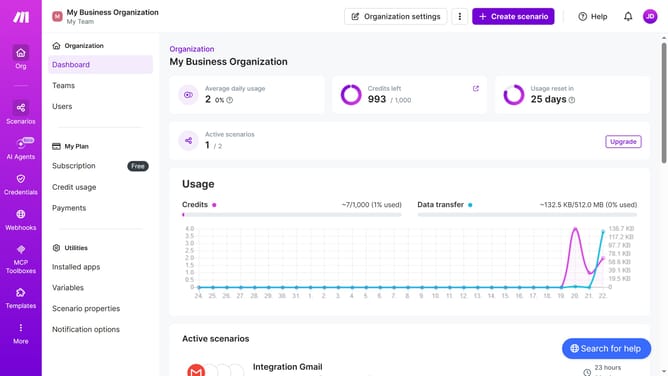
- First click on the "Scenarios" item in the left sidebar
- Then click on the Gmail scenario item
- Then click on the "Options" button in the top right menu
- Then select "Edit description" from the dropdown menu
- Then, input the desired text into the "Description" input field
- Finally click on the "Save" button
Why should you add a scenario description for Gmail in Make
Make is an intuitive automation platform designed to streamline workflows effortlessly.
Adding a scenario description for Gmail in Make simplifies management and boosts clarity. By providing a clear overview of what each scenario intends to execute, users immediately grasp the workflow context.
This feature is useful for organizing automated tasks, ensuring that collaborators understand the purpose and specifics of each scenario. Clarity in descriptions leads to more efficient collaborations and smoother processes, ultimately enhancing productivity.
Last update