How to set time for a weekly running schedule for LinkedIn scenario in Make
Here is how to set time for a weekly running schedule for linkedin scenario in make
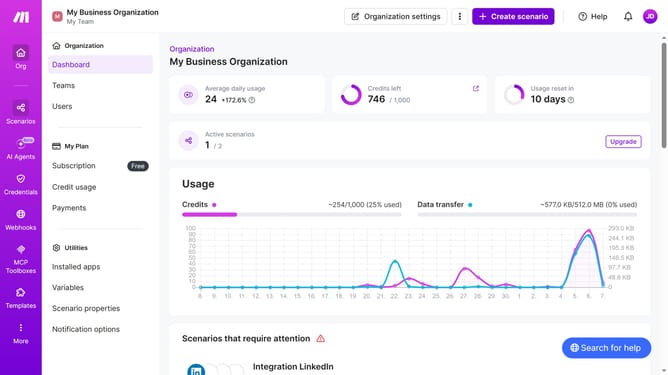
- First click on "Scenarios" item in the left sidebar menu
- Then click on the LinkedIn scenario in the list
- Then click on the "Options" dropdown menu
- Then select "Scheduling" from the options menu
- Then click on the time input field and enter your preferred time
- Finally click on the "Save" button
Why should you set time for a weekly running schedule for LinkedIn scenario in Make
Make is an intuitive platform designed to automate workflows seamlessly.
Setting a weekly running schedule for LinkedIn scenarios in Make ensures consistent engagement with your professional network.
Automating these tasks frees up time and maintains a regular online presence, reflecting commitment and active participation.
Utilizing this feature promotes efficiency and keeps your LinkedIn interactions timely and relevant without the need for constant manual inputs.
Last update