How to set a monthly running schedule of a Microsoft 365 Email (Outlook) scenario in Make
Here is how to set a monthly running schedule of a microsoft 365 email (outlook) scenario in make
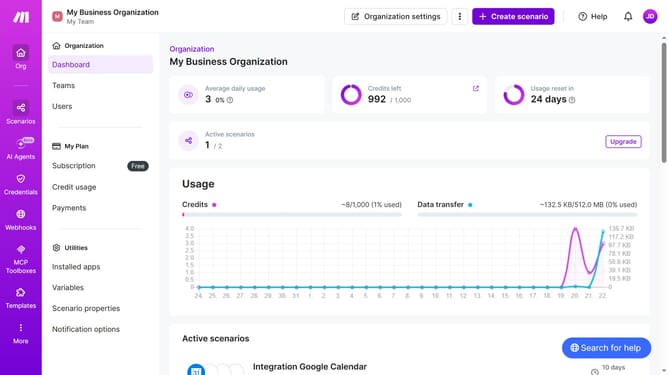
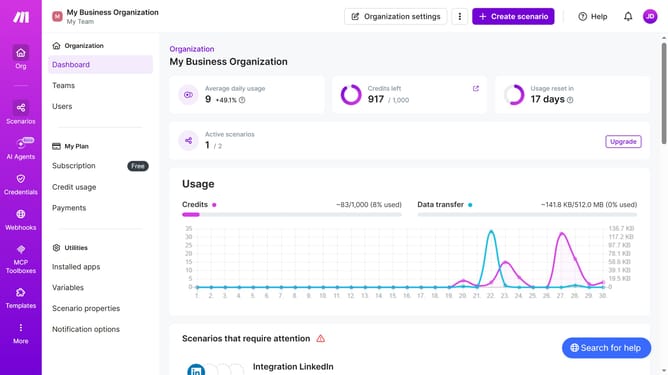
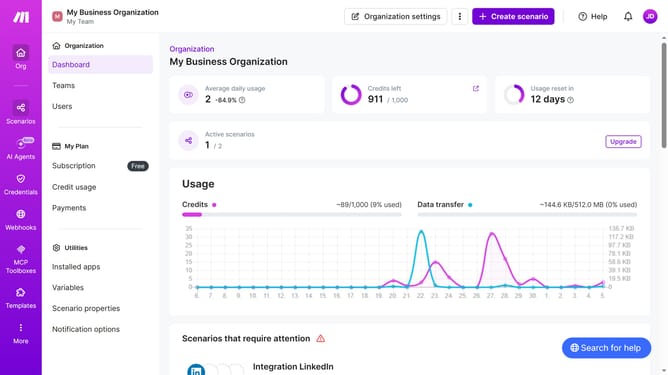
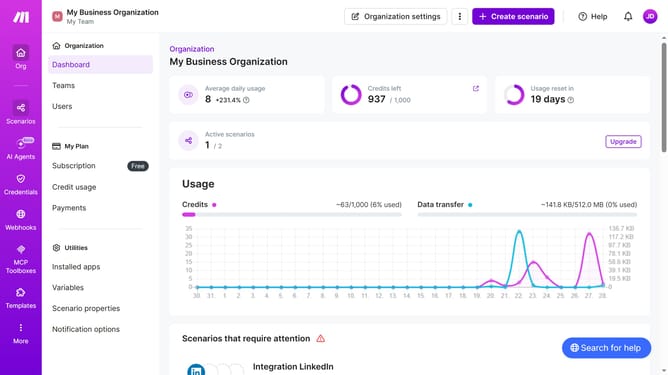
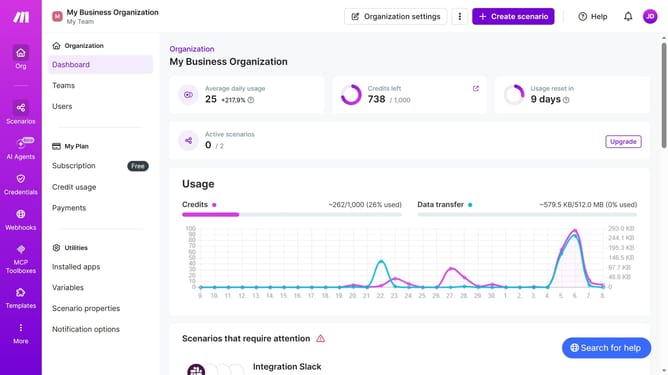
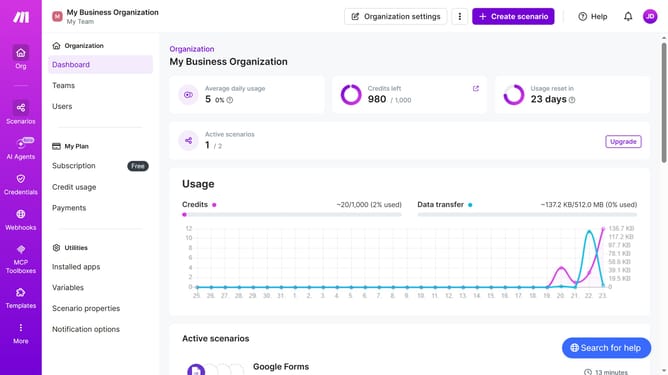
- First click on the "Scenarios" option in the sidebar
- Then click on the "Microsoft 365 Email (Outlook)" scenario
- Then click on the "Options" dropdown menu
- Then select "Scheduling" from the dropdown menu
- Then click on the "Run scenario" dropdown
- Then select "Monthly" from the run scenario options
- Finally click on the "Save" button
Why should you set a monthly running schedule of a Microsoft 365 Email (Outlook) scenario in Make
Make is a powerful tool that automates your workflows seamlessly.
Setting a monthly running schedule for a Microsoft 365 Email scenario in Make streamlines communication tasks efficiently.
This feature ensures consistent and timely email delivery, maximizing productivity without manual intervention.
By automating repetitive email tasks, businesses save valuable time, focusing on growth and innovation.
Last update