How to update your country in Make
Here is how to update your country in make
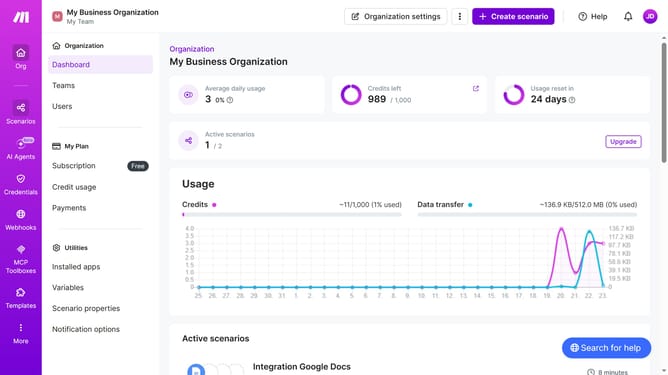
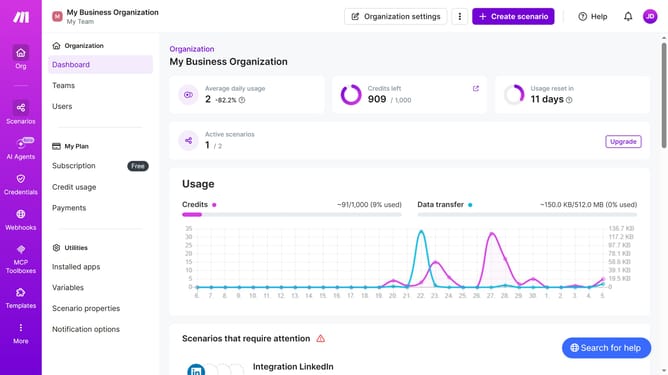
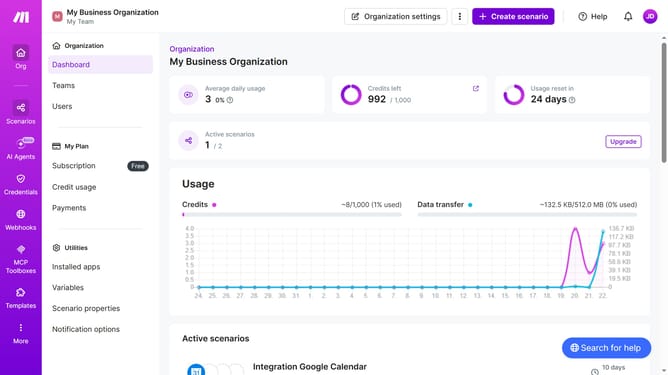
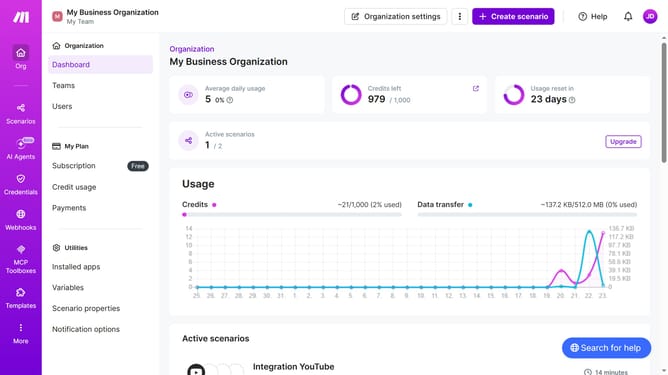
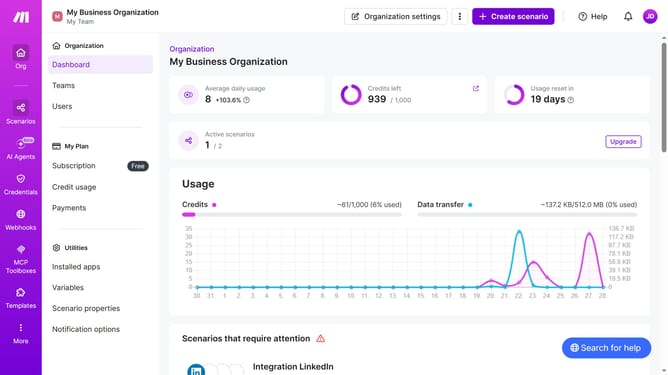
- First click on the three dots icon next to "Organization settings"
- Then click on "Change billing details"
- Then click the country dropdown
- Then select your country from the country dropdown
- Then click on the state input field dropdown
- Then select your state from the state dropdown
- Then click on the "Zip or Postal Code" input field and enter your information
- Finally, click on the save button
Why should you update your country in Make
Make is an intuitive platform designed to streamline and automate your workflows seamlessly.
Updating your country in Make is a simple yet essential feature that allows users to ensure their profile is accurate and regional preferences are up-to-date.
Using this feature provides the advantage of tailoring your interactions and settings based on geographic preferences, ultimately enhancing your overall user experience with Make.
Whether you're relocating or simply need to adjust your settings, keeping your profile current is crucial for maintaining optimal functionality and personalized service.
Last update