How to add time for a weekday running schedule for LinkedIn scenario in Make
Here is how to add time for a weekday running schedule for linkedin scenario in make
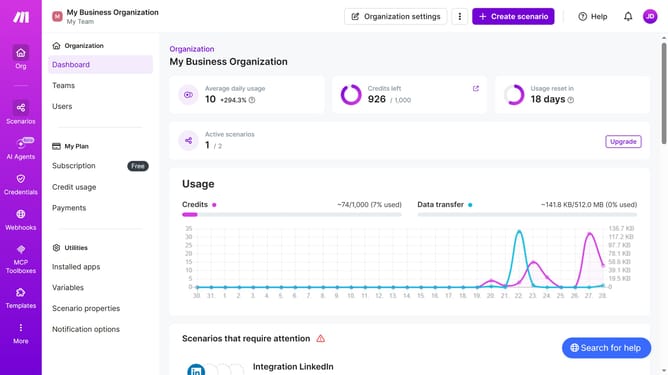
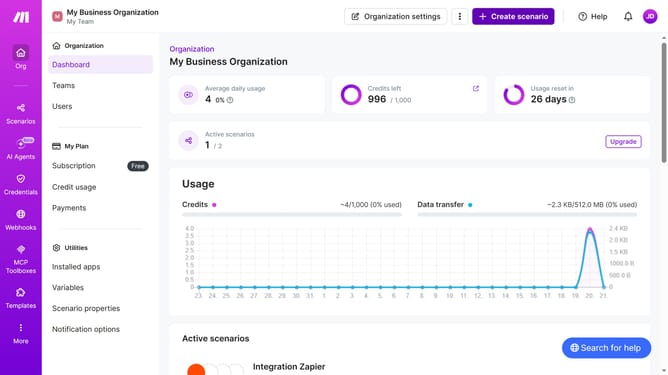
- First click on "Scenarios" in the sidebar
- Then click on the LinkedIn scenario in the main panel
- Then click on the "Options" button
- Then select "Scheduling" from the dropdown menu
- Then click on "+ Add more times" button
- Then click on the "Time 2" input field
- Finally click on the "Save" button
Why should you add time for a weekday running schedule for LinkedIn scenario in Make
Make is a powerful automation tool designed to streamline your workflow effortlessly.
Adding time for a weekday running schedule for your LinkedIn scenario in Make enhances your productivity by automating routine tasks at specific times. This feature ensures that your LinkedIn activities are executed consistently and at optimal times, which is crucial for maintaining engagement and visibility.
By setting these schedules, you free up your mental bandwidth, allowing more focus on strategy and creativity while ensuring your LinkedIn presence is active and engaging.
Last update