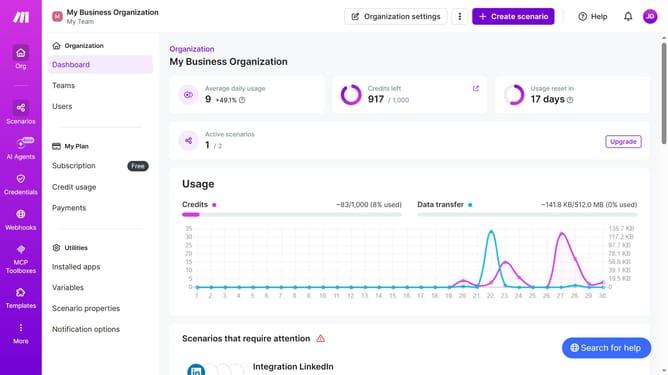
How to set time for a weekday running schedule for Google Form scenario in Make
Here is how to set time for a weekday running schedule for google form scenario in make
- First click on "Scenarios" in the left sidebar
- Then click on the Google Forms scenario to open it
- Next, click on the "Options" dropdown button
- After that, select "Scheduling" from the options menu
- Then click on the time input field and enter your preferred time
- Finally, click on the "Save" button
Why should you set time for a weekday running schedule for Google Form scenario in Make
Make is a versatile automation platform designed to enhance workflows by connecting apps.
Setting a time for a weekday running schedule for your Google Form scenario in Make ensures that your data collection aligns seamlessly with your operational needs.
This feature allows for streamlined scheduling that suits your weekly planning. It’s particularly useful for tasks such as regular report generation or daily assessments, reliably performed without manual intervention.
Utilizing this feature makes task management more efficient and ensures consistency in your processes.
Last update