How to set time for a daily running schedule for Dropbox scenario in Make
Here is how to set time for a daily running schedule for dropbox scenario in make
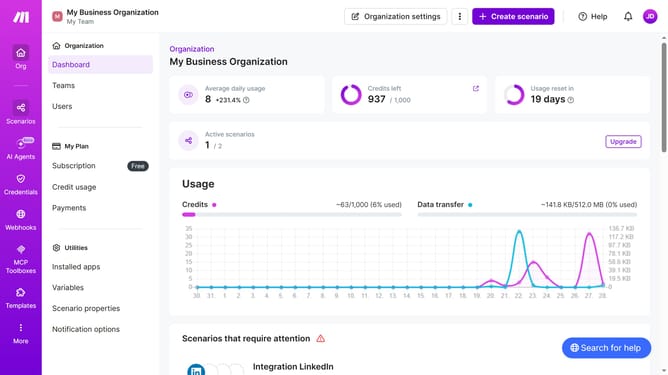
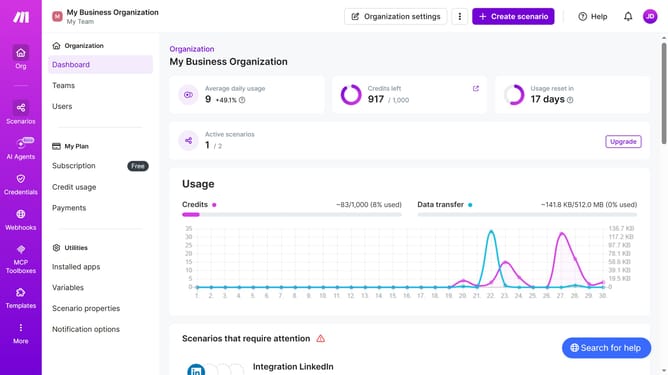
- First click on "Scenarios" in the left sidebar
- Then click on the "Integration Dropbox" scenario in the main panel
- Next, click on the "Options" button
- Then select "Scheduling" from the dropdown menu
- Click on the time input field and enter your preferred time
- Finally, click on the "Save" button to apply the schedule settings
Why should you set time for a daily running schedule for Dropbox scenario in Make
Make is an innovative tool designed to automate workflows and optimize task management across platforms.
By setting a daily running schedule for Dropbox scenarios within Make, you streamline file organization and data management, ensuring your documents are updated consistently without manual intervention.
This automation reduces the time spent on repetitive tasks, allowing more focus on strategic activities. It offers a seamless and efficient way of maintaining synchronization, improving the overall productivity and reliability of your operations.
Last update