How to add app Dropbox in Make
Here is how to add app dropbox in make
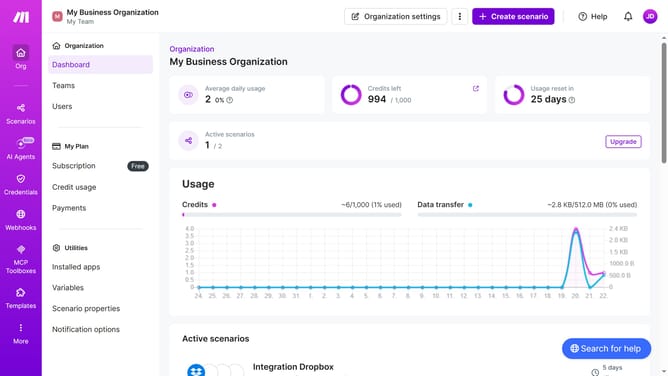
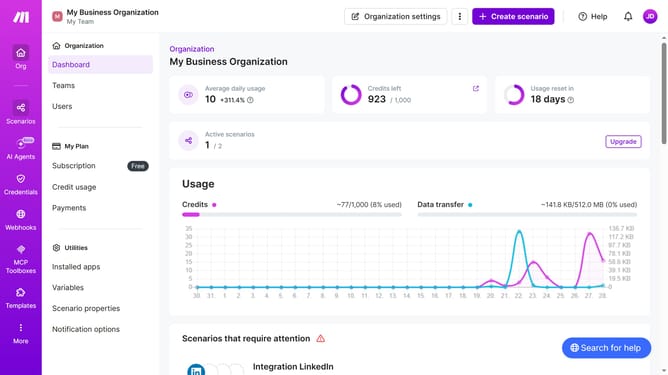
- First click on "+ Create scenario" button in the header
- Then click on "Search apps or modules" input field and enter Dropbox
- Then click on "Dropbox" item
- Then click on "Watch Files" option
- Then click on "Create a connection" button
- Then click on "Save" button in the connection creation dialog
- Then click on "Save" button in the integration settings
- Then select the "All" radio button
- Then click on the "Save" button
- Finally click on the "Save" button located in the bottom right corner
Why should you add app Dropbox in Make
Make is a powerful automation and integration platform designed to simplify workflows across various applications.
Adding Dropbox to Make unveils a plethora of possibilities in streamlining diverse tasks. It seamlessly integrates Dropbox into your existing workflow, fostering smooth data transfers and file organization. This integration empowers users to automate mundane processes, saving time and enhancing productivity.
Moreover, using Dropbox in Make ensures your files are consistently in sync. This feature not only boosts operational efficiency but also eliminates human errors, ensuring data is always accurate and up-to-date.
Last update