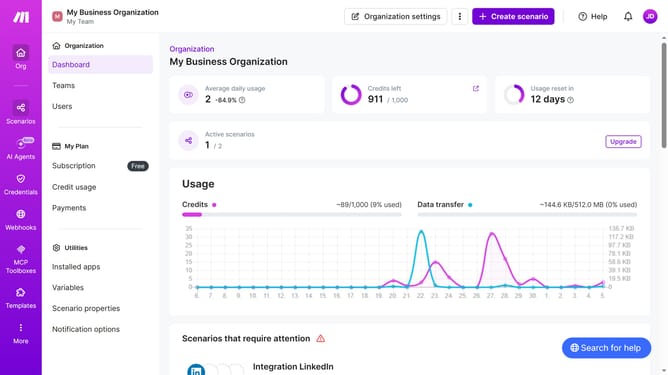
How to delete additional time for a weekday running schedule for Zapier scenario in Make
Here is how to delete additional time for a weekday running schedule for zapier scenario in make
- First click on "Scenarios" item in the sidebar menu
- Then click on the "Zapier" scenario in the main panel
- Next click on the "Options" dropdown button in the scenario header
- Then select "Scheduling" from the dropdown menu
- Click on the "close" button next to the time that you want to delete
- Finally click on the "Save" button to confirm the changes
Why should you delete additional time for a weekday running schedule for Zapier scenario in Make
Make is a dynamic platform designed to seamlessly automate workflows and tasks.
One of its valuable features is managing the timing for Zapier scenarios, allowing users to efficiently delete additional time entries for weekday schedules.
By optimizing your running schedule, you create a streamlined process tailored to your specific needs, enhancing productivity and reducing unnecessary actions.
This ensures optimal performance and helps maintain a tidy, organized workflow, empowering users with clear and focused automation.
Last update