How to add a scenario description for LinkedIn in Make
Here is how to add a scenario description for linkedin in make
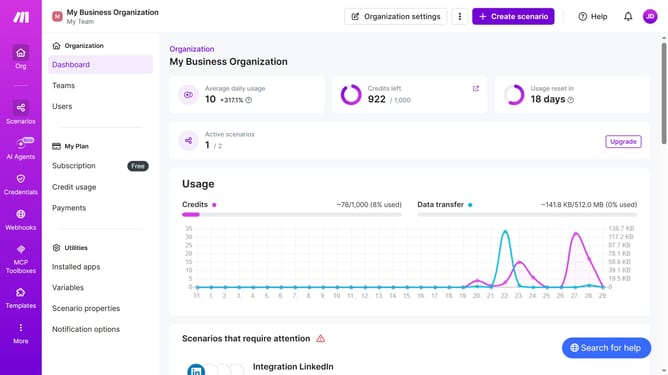
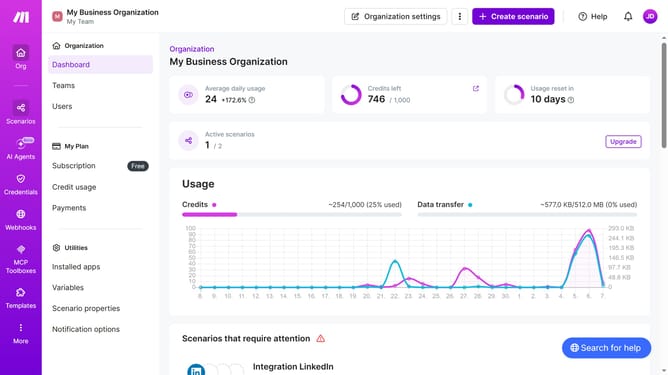
- First click on "Scenarios" item in the left sidebar menu
- Then click on the LinkedIn scenario row in the main content area
- Next click on the "Options" button in the top right of the scenario details section
- Then select "Edit description" from the dropdown menu
- Then click on the description text input field and type in the description
- Finally click on the "Save" button to apply the changes
Why should you add a scenario description for LinkedIn in Make
Make is a powerful automation platform designed to simplify complex workflows effortlessly.
By adding a scenario description for LinkedIn in Make, users can convey concise and relevant information seamlessly within collaborative environments.
This feature enriches communication, helping teams understand workflow objectives quickly, thus fostering efficient cooperation.
Ultimately, using scenario descriptions facilitates a clearer path to achieving business goals with streamlined and well-documented processes.
Last update