How to update your street address in Make
Here is how to update your street address in make
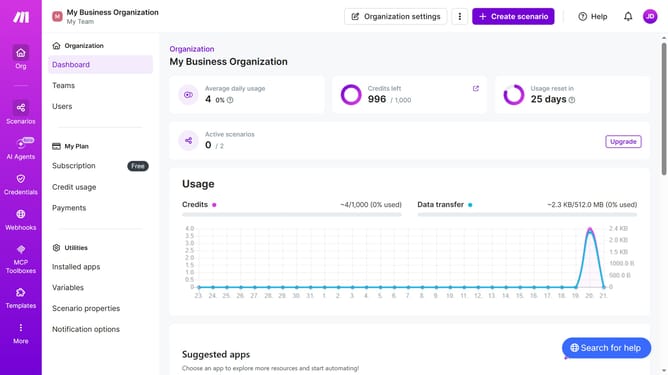
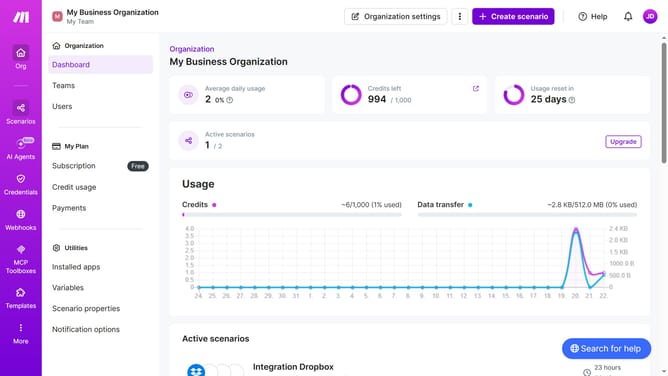
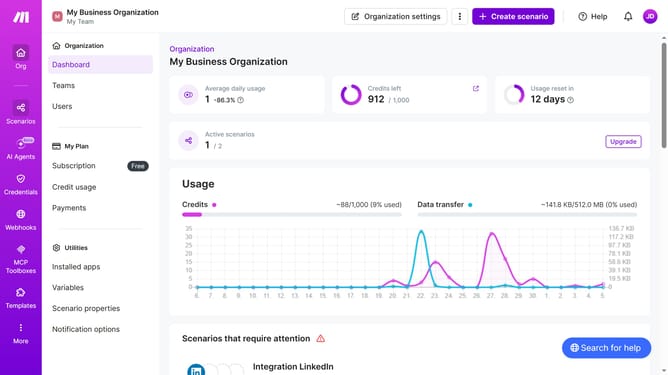
- First click on the three dots icon in the header
- Then click on "Change billing details" option in the dropdown menu
- Then click on the Address line 1 input field and enter your street address
- Finally click on the "Save" button
Why should you update your street address in Make
Make is a versatile tool that streamlines your automation processes for a more efficient workflow.
Updating your street address in Make is a simple feature that keeps your contact information current and accurate. This ensures you receive all the necessary updates and notifications relevant to you, maintaining seamless communication.
Keeping your address updated in Make helps in organizing your tasks better, also enhances the overall accuracy of data management within the platform. Experience the ease of staying connected with the right information using Make.
Last update