How to delete additional time for a weekday running schedule for LinkedIn scenario in Make
Here is how to delete additional time for a weekday running schedule for linkedin scenario in make
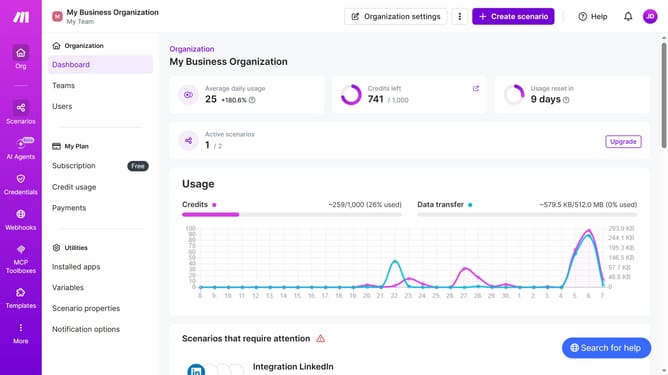
- First click on "Scenarios" item in the left sidebar
- Then click on "LinkedIn" scenario in the main content area
- Then click on "Options" dropdown button
- Then select "Scheduling" from the dropdown menu
- Then click on the close button next to the time that you want to delete
- Finally click on the "Save" button
Why should you delete additional time for a weekday running schedule for LinkedIn scenario in Make
Make is a versatile automation platform designed to streamline workflows effortlessly.
Deleting additional time for a weekday running schedule in a LinkedIn scenario within Make ensures that your automated processes remain efficient without unnecessary time allocations. This feature enhances your scheduling flexibility, allowing you to optimize your workflow management.
Utilizing this feature provides a more precise and effective approach to time management, ultimately saving valuable resources and keeping your processes lean and focused.
Last update