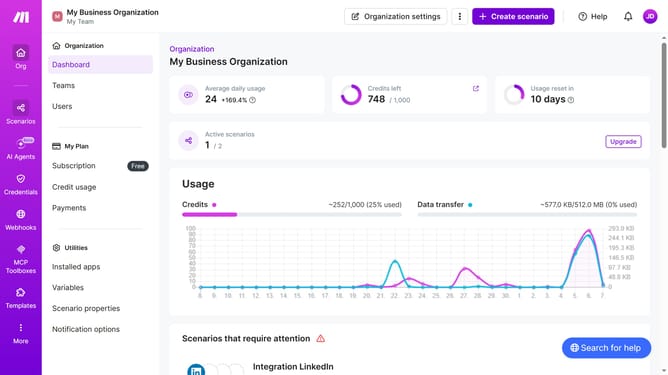
How to add a scenario description for Google Forms in Make
Here is how to add a scenario description for google forms in make
- First, from the sidebar menu, click on "Scenarios" button
- Then, click on the "Google Forms" scenario that you want to open
- Next, click on the "Options" dropdown menu
- Select the "Edit description" option from the dropdown menu
- Click on the description text field and enter the scenario description
- Finally, click on the "Save" button
Why should you add a scenario description for Google Forms in Make
Make is a versatile platform that automates workflows by connecting apps seamlessly.
Adding a scenario description for Google Forms in Make enhances the clarity and management of your automation processes. These descriptions provide context, making it easier to monitor and refine the workflows, ensuring they meet your evolving needs.
Using this feature not only simplifies team collaboration but also streamlines task execution, boosting productivity and ensuring that every participant understands the objective and expected outcomes.
Last update