How to delete a Youtube scenario in Make
Here is how to delete a youtube scenario in make
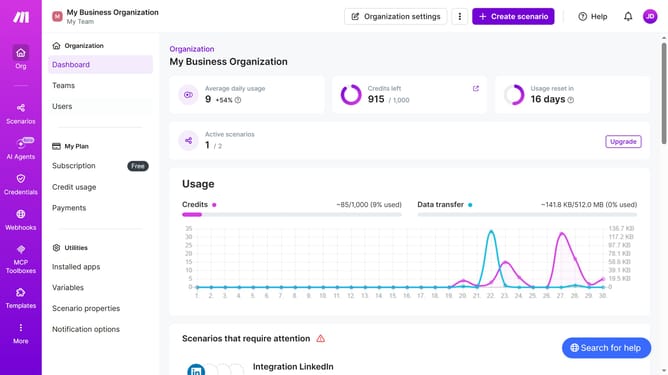
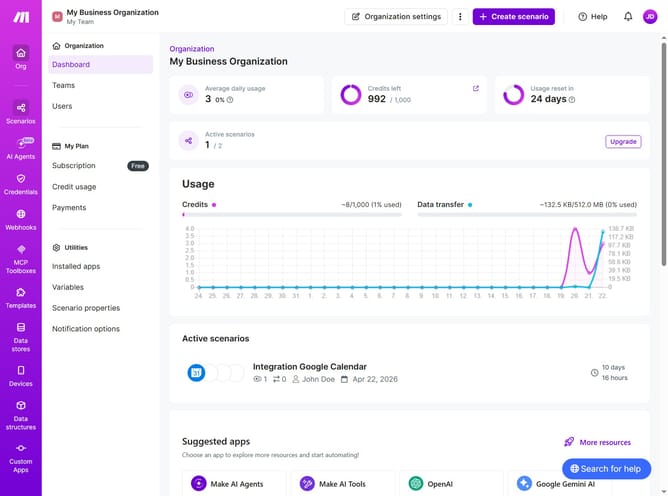
- First click on "Scenarios" in the left sidebar
- Then click on the "more options" icon next to the YouTube scenario you want to delete
- Next, click on the "Delete" option from the dropdown menu
- Finally click on the "Delete" button to confirm
Why should you delete a Youtube scenario in Make
Make is a powerful automation platform designed to streamline repetitive tasks and enhance productivity effortlessly.
Deleting a YouTube scenario in Make offers a seamless way to declutter and manage your automated processes.
This feature allows you to remove outdated or unnecessary scenarios, ensuring that your workflows remain efficient and on point.
By keeping your scenarios current, you can focus on optimizing performance and making the most out of your automation strategies.
Last update