How to add a scenario description for Trello in Make
Here is how to add a scenario description for trello in make
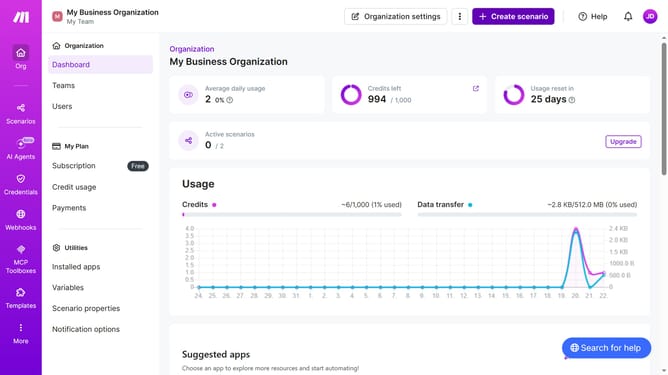
- First click on the "Scenarios" item in the left sidebar
- Then click on the Trello scenario item
- Next, click on the "Options" dropdown in the top menu
- Then select "Edit description" from the dropdown menu
- Then, input the desired text into the "Description" input field
- Finally click on the "Save" button to apply the changes
Why should you add a scenario description for Trello in Make
Make is a powerful tool designed to automate and streamline workflows for increased productivity.
By adding a scenario description for Trello in Make, users can effortlessly enhance task management clarity.
This feature ensures that anyone reviewing the workflow understands the purpose and expected outcomes, providing invaluable context.
Clear scenario descriptions save time and reduce misunderstandings, facilitating smoother collaboration among team members.
Last update