How to delete a Trello scenario in Make
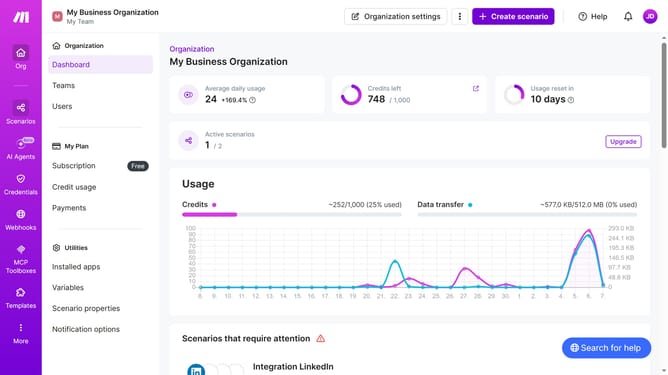
Here is how to delete a trello scenario in make
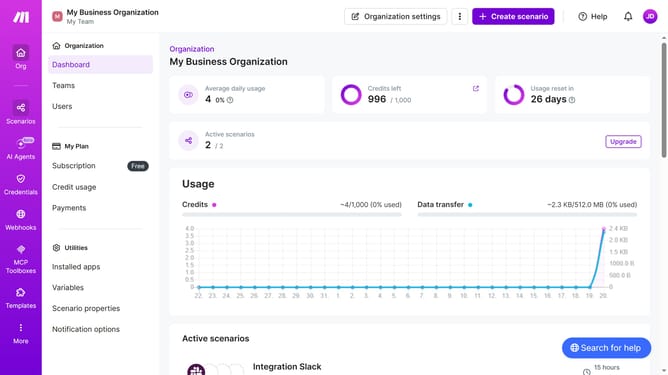
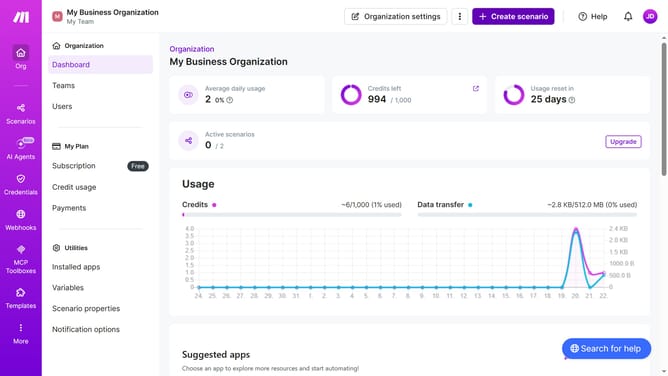
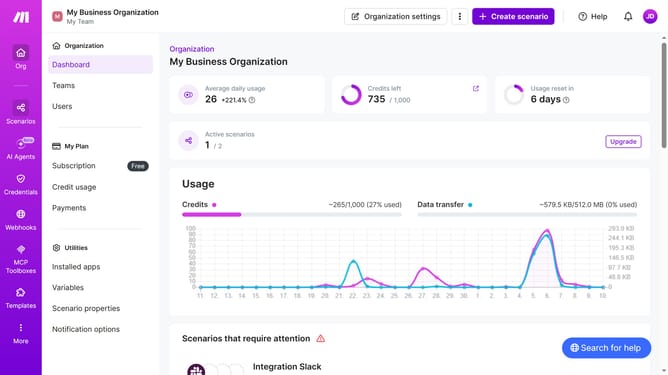
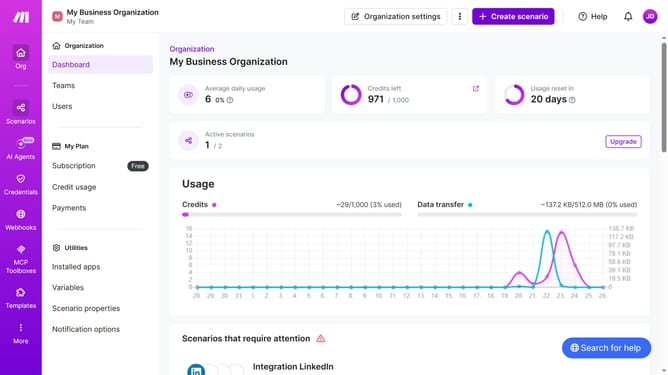
- First click on "Scenarios" item in the sidebar
- Then click on the three dots icon next to the Trello scenario that you want to delete
- Next select the "Delete" option
- Finally click on the "Delete" button
Why should you delete a Trello scenario in Make
Make is a versatile automation platform that empowers users to streamline their workflows effortlessly.
Deleting a Trello scenario in Make is a simple feature designed to enhance your productivity.
By removing unnecessary scenarios, you can maintain a clutter-free environment, ensuring that your automation processes are organized and efficient.
This feature allows you to focus on what truly matters, boosting the effectiveness of your workflows and supporting optimal task management.
Last update