How to add app Gmail in Make
Here is how to add app gmail in make
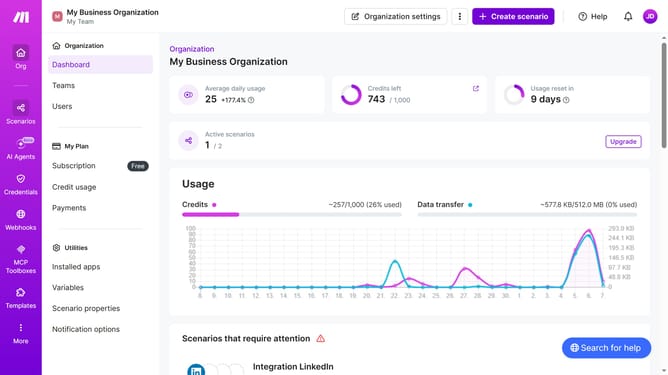
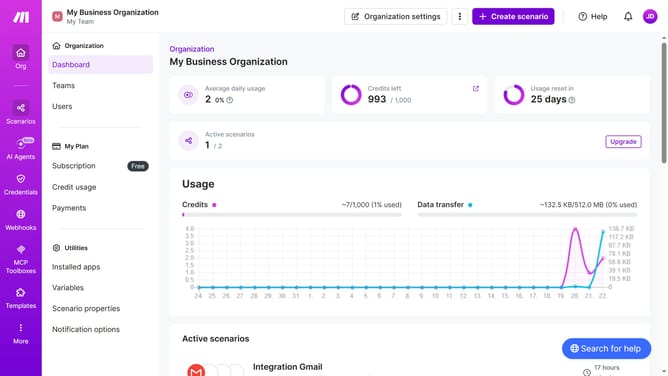
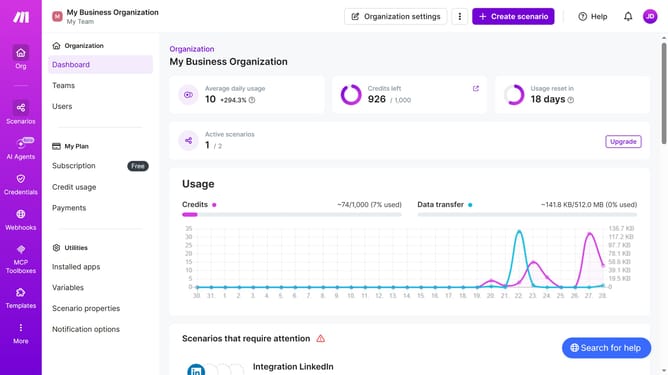
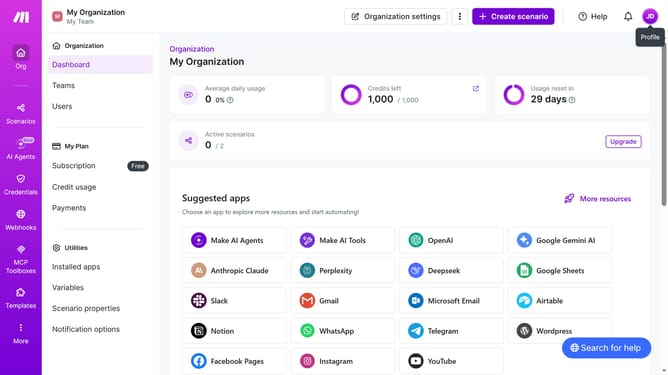
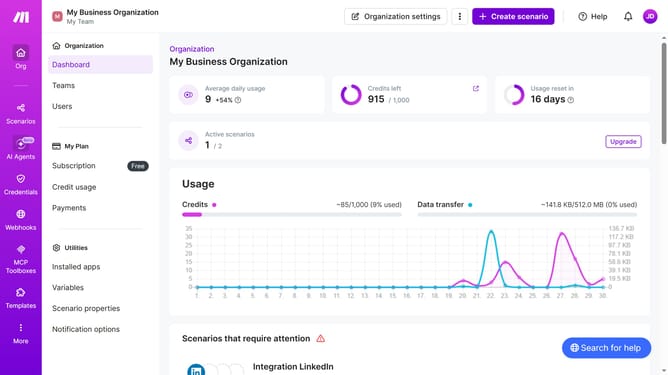
- First click on the "+ Create scenario" button in the header
- Then click on the "New scenario" text input field in the main content area and type Gmail
- Next, in the search results, click on the "Gmail" app to select it
- In the list of Gmail triggers, click on "Watch emails" to select it
- Then click on the "Create a connection" button
- Next, click on the "Sign in with Google" button
- Then click on the "Save" button in the connection settings
- Now, select the "All" radio button
- Click on the "Save" button on the bottom right of the current window
- Then click on the "Save" button
Why should you add app Gmail in Make
Make is a dynamic platform designed for seamless workflow automation, connecting various applications to enhance productivity.
By integrating the Gmail app within Make, users unlock the ability to automate email tasks efficiently, saving time and minimizing manual effort.
This feature empowers users to effortlessly manage emails, set up auto-responses, and streamline communication processes.
The integration is especially beneficial for businesses and individuals seeking to optimize their email management, ensuring a more organized and productive digital environment.
Last update