How to set time for a weekly running schedule for Google Calendar scenario in Make
Here is how to set time for a weekly running schedule for google calendar scenario in make
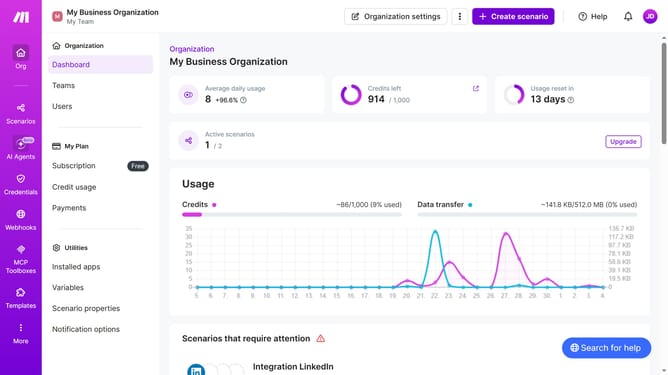
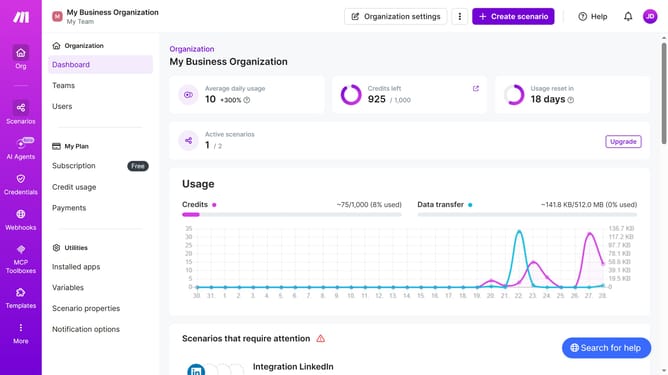
- First, from the left sidebar, click on "Scenarios" button
- Then, click on the Google Calendar scenario item
- Next, in the top right menu, click on the "Options" button
- Then, from the dropdown menu, select "Scheduling"
- After that, in the "Schedule settings" popup, click on the "Time" input field and enter a value
- Finally, click on the "Save" button
Why should you set time for a weekly running schedule for Google Calendar scenario in Make
Make is a powerful automation platform designed to streamline daily tasks, connecting apps and services effortlessly.
Setting a time for a weekly running schedule in Google Calendar using Make seamlessly integrates your fitness goals with your digital life. This feature effortlessly aligns your workout priorities with your busy schedule, ensuring consistency and focus.
By automating the timing of your running sessions, you create space for personal growth and foster a healthier lifestyle. With Make, organizing your routine becomes intuitive and stress-free, enabling you to embrace every run with ease.
Last update