How to delete a ChatGPT scenario in Make
Here is how to delete a chatgpt scenario in make
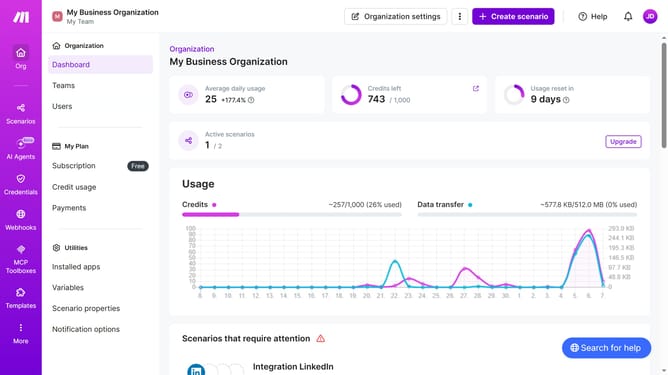
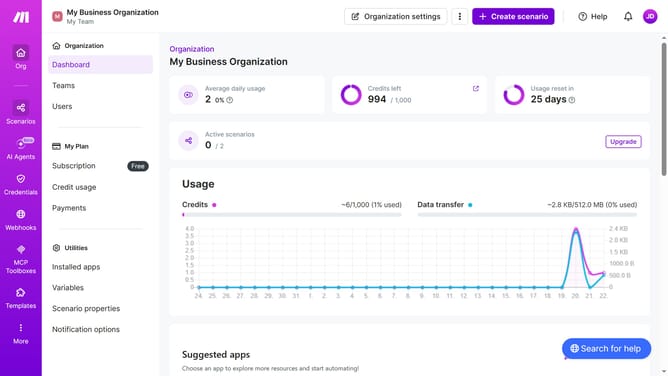
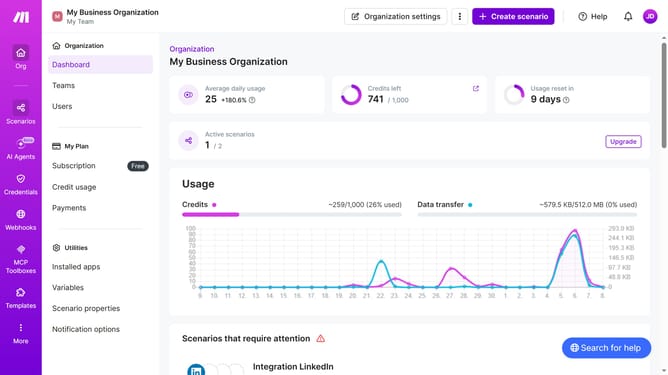
- First click on "Scenarios" item in the left sidebar
- Then click on the three dots to the right of a scenario
- Next select the "Delete" option from the dropdown menu
- Finally click on the "Delete" button to confirm the deletion
Why should you delete a ChatGPT scenario in Make
Make is a powerful visual automation platform that connects apps and services to streamline workflows.
Deleting a ChatGPT scenario in Make is seamlessly efficient, ensuring that your automation remains relevant and manageable.
By removing outdated or unnecessary scenarios, you maintain a clutter-free interface, which helps optimize the performance and precision of your workflows.
This feature is crucial for users keen on refining their scenarios, allowing them to efficiently navigate and manage multiple tasks without hassle.
Last update