How to disable two factor authentication
Here is how to disable two factor authentication
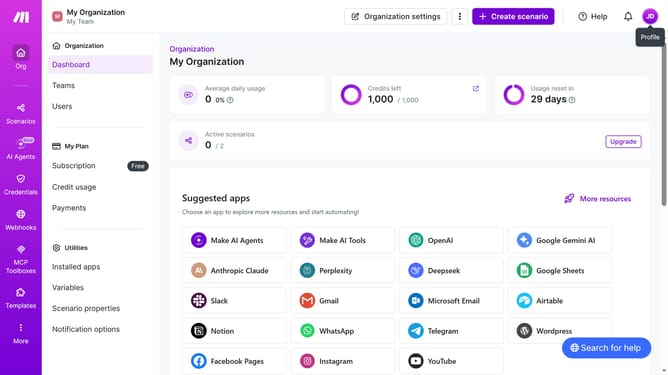
- First click on the user icon in the header
- Then click on "Profile" link
- Then click on "2FA" link in the sidebar
- Then click on "Disable" button
- Then input the code in the "2FA code" input field
- Then click on the "Password" input field and enter your password
- Finally click on "Disable" button
Why should you disable two factor authentication
Make is a dynamic platform designed to simplify the automation of repetitive tasks, enhancing productivity.
Two-factor authentication (2FA) provides enhanced security by adding an extra layer to account verification.
Disabling 2FA can be advantageous in certain scenarios, such as when quick access is prioritized, or if you find managing multiple authentication steps cumbersome.
While it’s essential to weigh the trade-offs, the convenience of easier access may be beneficial in low-risk environments, making workflows more fluid and accessible.
Last update