How to duplicate a LinkedIn scenario in Make
Here is how to duplicate a linkedin scenario in make
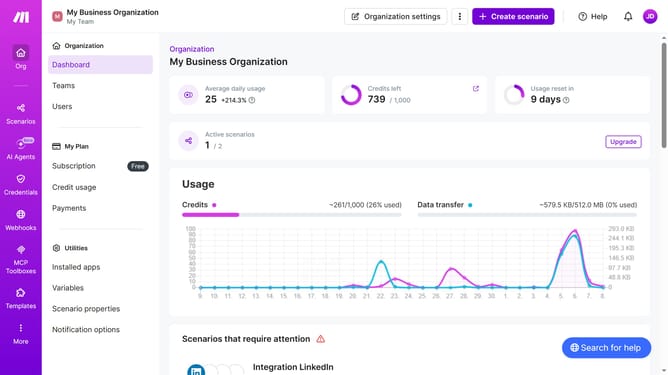
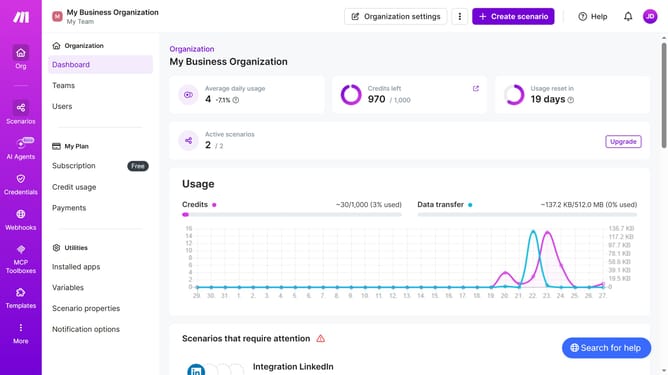
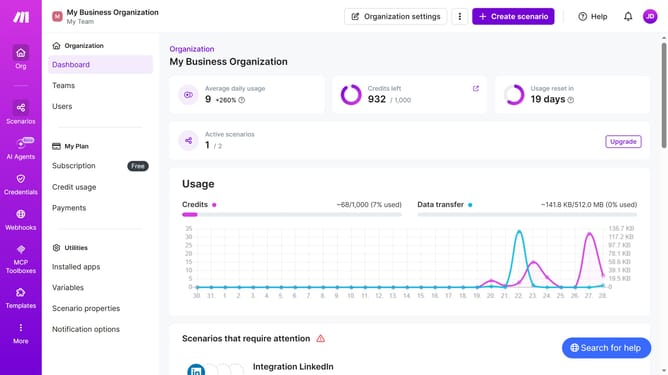
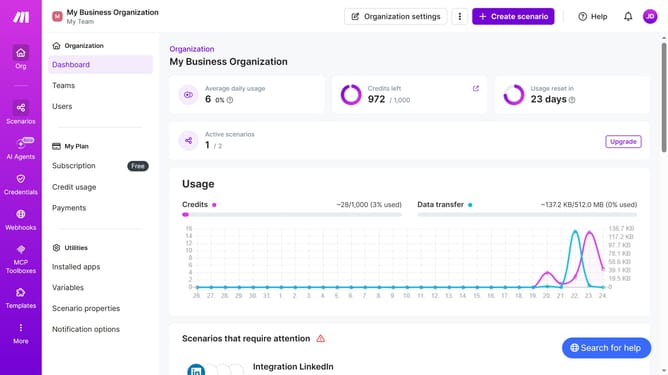
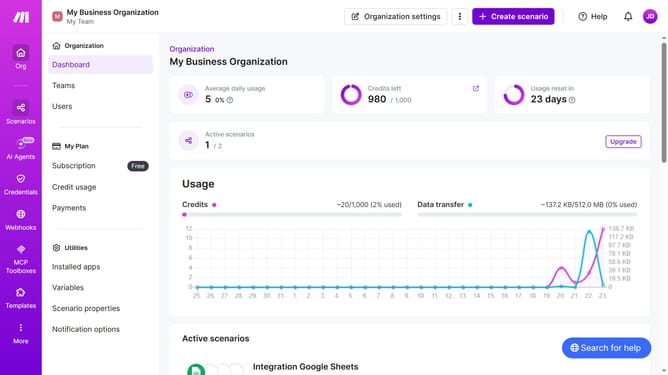
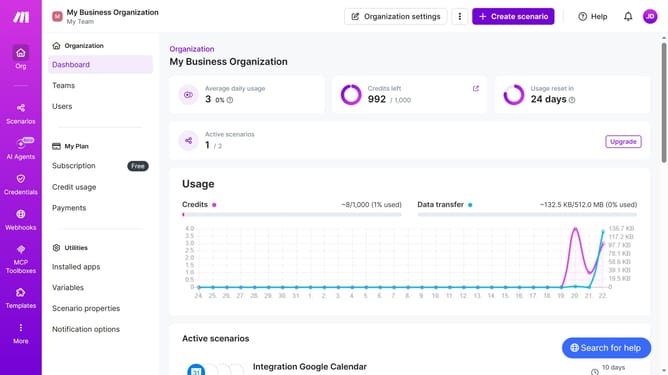
- First, click on the "Scenarios" item in the left sidebar
- Then click on the "three dots" icon for the LinkedIn scenario you want to duplicate
- Next, select the "Clone" option from the dropdown menu
- Finally, click the "Save" button in the confirmation dialog
Why should you duplicate a LinkedIn scenario in Make
Make is an innovative platform designed to automate workflows seamlessly, saving time and enhancing productivity.
Duplicating a LinkedIn scenario in Make offers a streamlined approach to maintaining consistency across projects. This feature allows users to efficiently replicate workflows, ensuring the same successful outcomes without the need for redundant manual input.
By utilizing this functionality, businesses can easily adapt to changing requirements while preserving the core elements of their successful LinkedIn strategies. The result is a more agile and responsive operational process.
Last update