How to add a scenario description for ChatGPT in Make
Here is how to add a scenario description for chatgpt in make
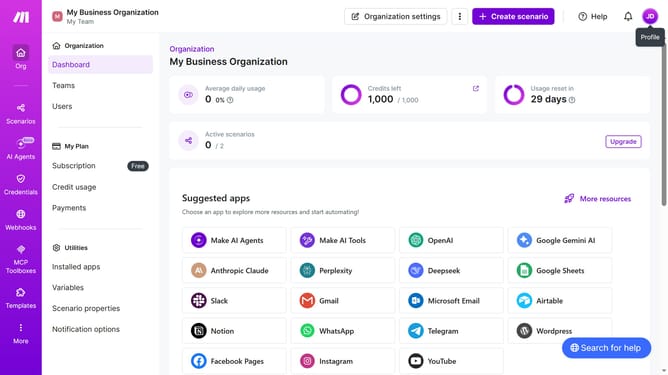
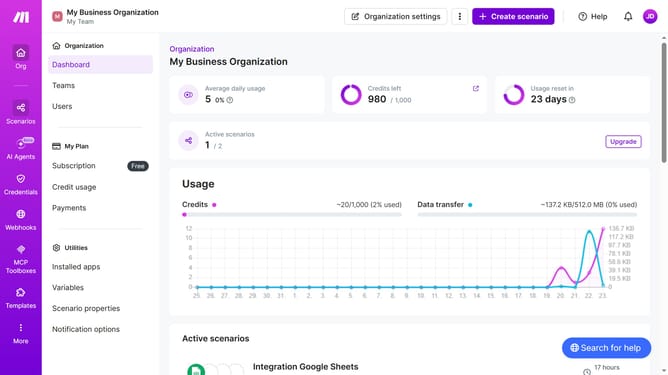
- First click on the "Scenarios" item in the left sidebar
- Then click on the Trello scenario item
- Next, click on the "Options" dropdown in the top menu
- Then select "Edit description" from the dropdown menu
- Then, input the desired text into the "Description" input field
- Finally click on the "Save" button
Why should you add a scenario description for ChatGPT in Make
Make serves as a seamless automation platform that connects apps and services, streamlining your workflow effortlessly.
Adding a scenario description for ChatGPT in Make enhances clarity and organization, ensuring all team members grasp the purpose and functionality of the automation scenario.
This feature allows users to document and communicate the scenario's intent, improving collaboration and minimizing misunderstandings.
Consequently, the entire team remains aligned, ensuring everyone is on the same page and operating with a clear understanding of the desired outcomes.
Last update