How to run Zoom scenario in Make
Here is how to run zoom scenario in make
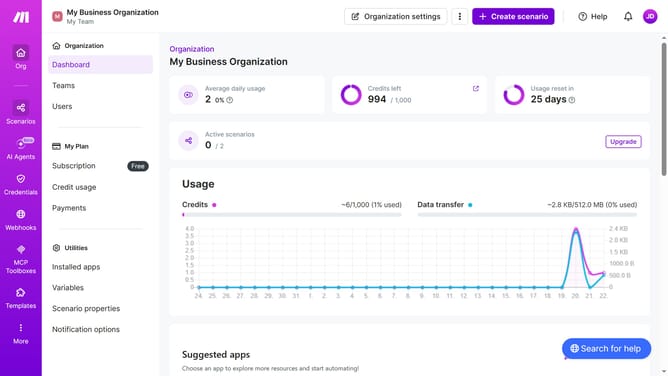
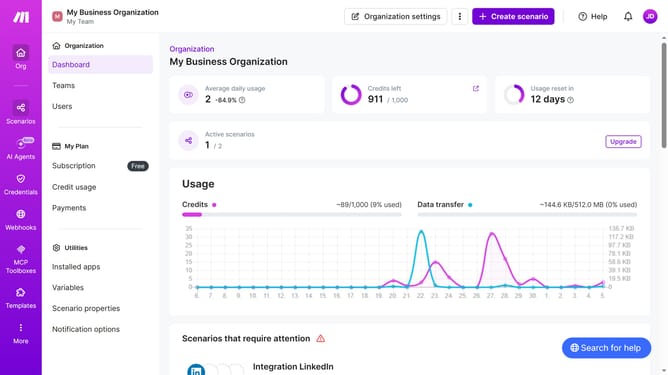
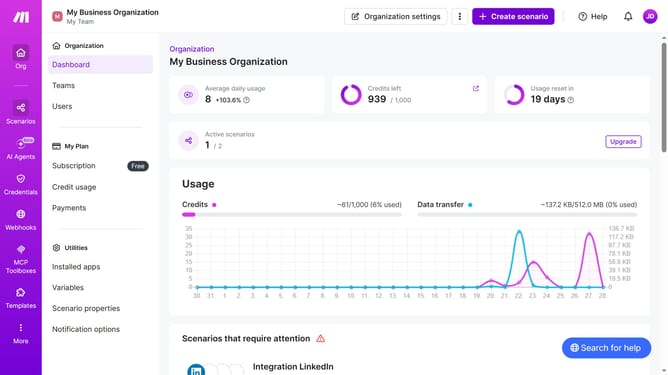
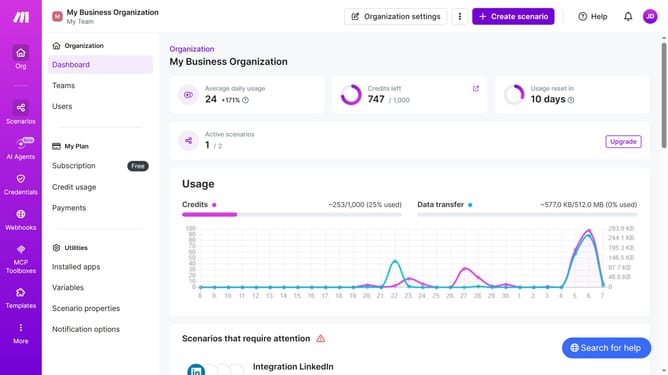
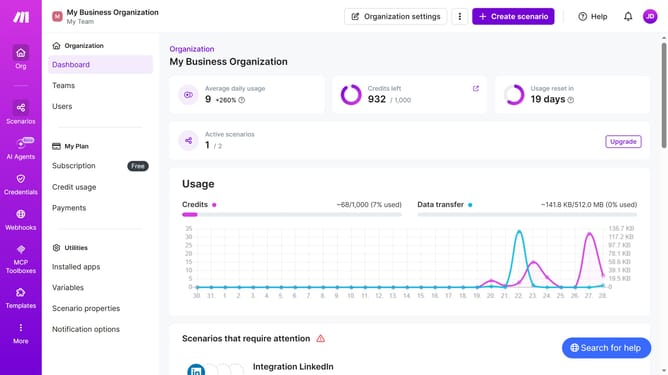
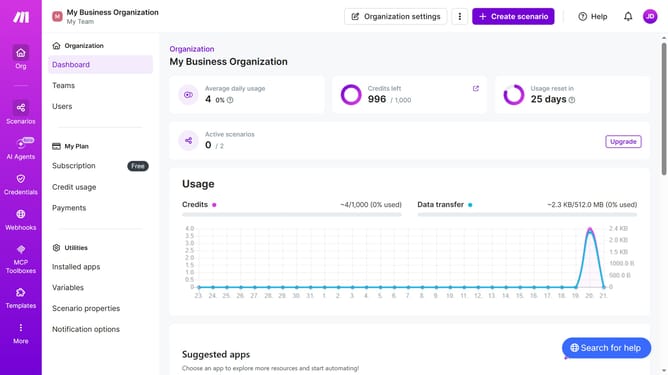
- First, click on the "Scenarios" option in the left sidebar
- Then, click on the "Integration Zoom" item from the list
- Next, click on the "Edit" button in the header
- After that, click on the "Run once" button to execute the scenario
- Then, click on the "Close" button to close the current view
- Finally, click on the save button to save the changes
Why should you run Zoom scenario in Make
Make is a powerful automation platform that connects and streamlines various applications for enhanced efficiency.
Running a Zoom scenario in Make allows for seamless integration and automation of Zoom's functionalities within your workflows.
This feature enhances productivity by automating tasks such as scheduling meetings and sending out reminders, ensuring no detail is overlooked.
Utilizing Make to run Zoom scenarios not only saves time but also improves communication and coordination, making it an indispensable tool for businesses and individuals alike.
Last update