How to duplicate a Mailchimp scenario in Make
Here is how to duplicate a mailchimp scenario in make
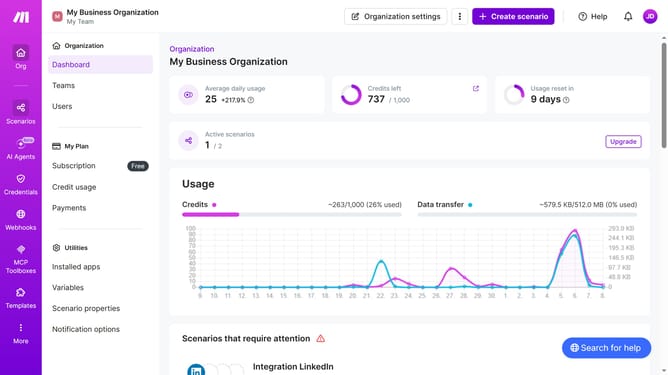
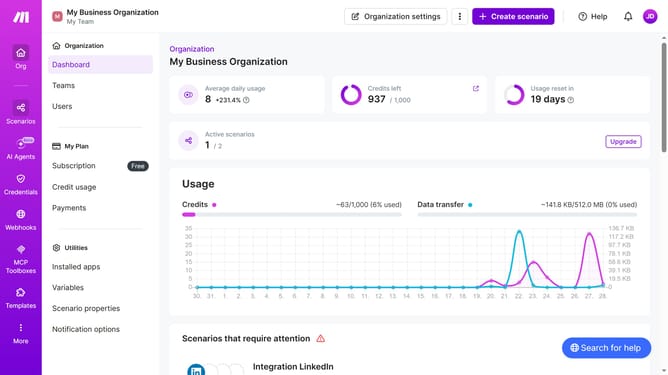
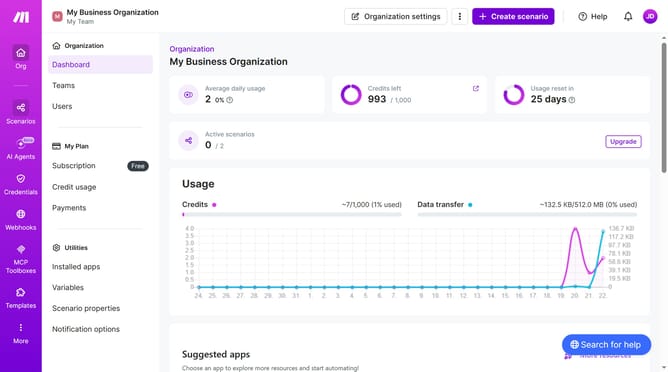
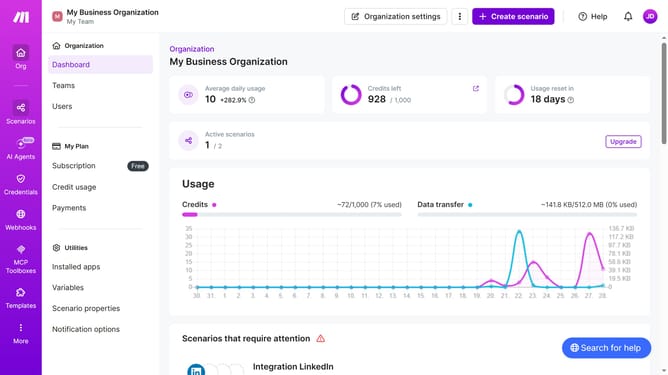
- First click on the "Scenarios" item in the left sidebar navigation
- Then click on the three dots icon next to the Mailchimp scenario to open the context menu
- Next select the "Clone" option from the context menu
- Then click in the "Name of new scenario" input field and enter the new scenario name
- Finally click on the "Save" button
Why should you duplicate a Mailchimp scenario in Make
Make is a powerful automation platform designed to streamline and connect diverse workflow processes.
Duplicating a Mailchimp scenario in Make allows users to effortlessly replicate and customize powerful email marketing workflows. This feature ensures that all your automation needs are met efficiently, without starting from scratch.
Utilizing this capability saves significant time while maintaining consistency across multiple marketing campaigns. It simplifies the management of complex scenarios, enhancing productivity and precision.
Last update