How to delete a Shopify scenario in Make
Here is how to delete a shopify scenario in make
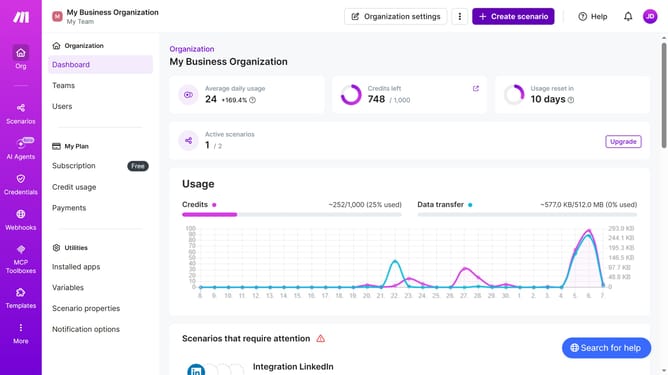
- First click on "Scenarios" item in the left sidebar
- Then click on the three dots icon next to the Shopify scenario you want to delete
- Next click on the "Delete" option in the dropdown menu
- Finally click on the "Delete" button in the confirmation dialog
Why should you delete a Shopify scenario in Make
Make is a versatile automation tool designed to streamline workflows and enhance efficiency.
Deleting a Shopify scenario in Make allows you to keep your automation processes clean and focused. By removing outdated or unnecessary scenarios, you ensure that your system remains optimized and clutter-free.
This process contributes to a more organized environment, saving resources and reducing potential errors, thereby augmenting your productivity effortlessly.
Last update