How to add app Google Calendar in Make
Here is how to add app google calendar in make
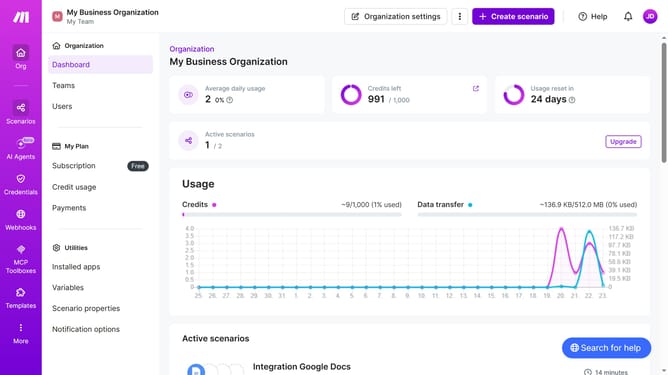
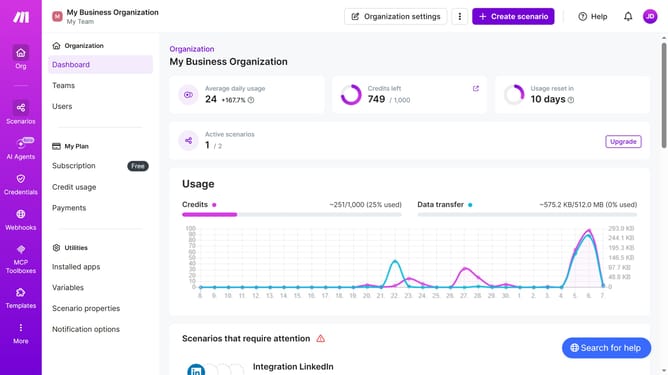
- First click on "+ Create scenario" button in the header
- Then click on the search bar that says "Search apps or modules" and type Google Calendar
- Next, click on "Google Calendar" in the search results
- Then click on "Watch Events" under Google Calendar
- Next, click on "Choose an account" dropdown
- Then select "My Google connection (jhonnydenvers618@gmail.com)"
- Finally click on "Continue" button
- Then click on the "Calendar*" dropdown
- Next, select "jhonnydenvers618@gmail.com (Primary Calendar)"
- Then click on the "Save" button
- Next, select the "All" radio button
- Click on the "Save" button
- Finally, click on the "Save" button to save the scenario
Why should you add app Google Calendar in Make
Make is a powerful automation platform that simplifies tasks by connecting different apps and services seamlessly.
By adding Google Calendar to Make, users unlock a new level of organization and efficiency in managing their schedules.
This integration allows automatic synchronization of events, reducing manual entry and minimizing errors.
Convenience and time-saving are at your fingertips when Google Calendar smoothly interacts within the Make ecosystem, making multitasking more streamlined and reducing daily chaos.
Last update