How to set time for a weekday running schedule for OneDrive scenario in Make
Here is how to set time for a weekday running schedule for onedrive scenario in make
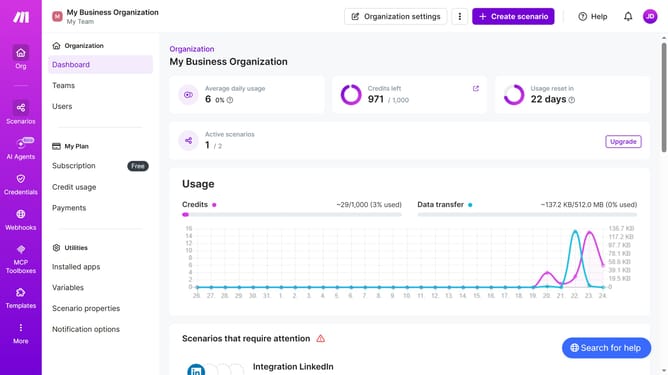
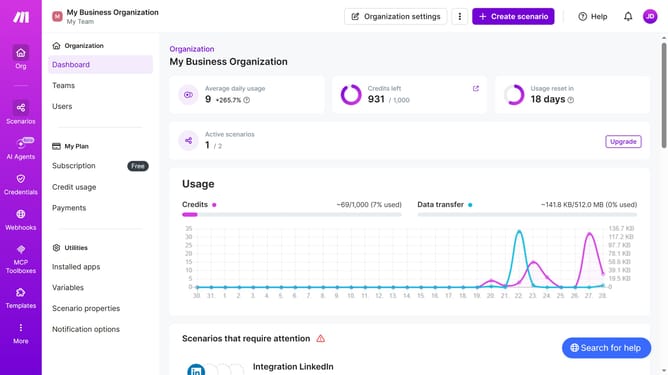
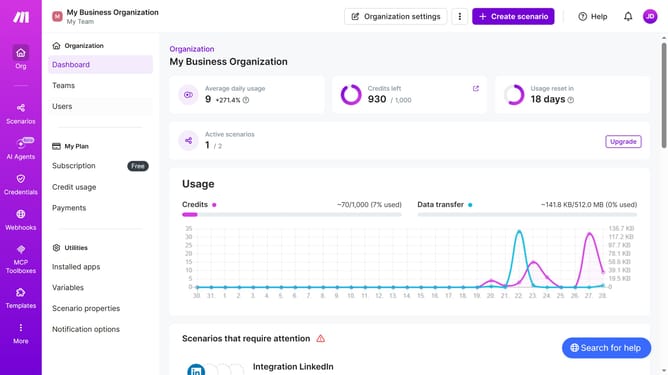
- First, click on "Scenarios" in the left sidebar
- Then, click on the "OneDrive" scenario
- Next, click on the "Options" dropdown in the top right
- Then, select "Scheduling" from the dropdown menu
- After that, click on the "Time 1" field and enter your preferred time
- Finally, click on the "Save" button to confirm the schedule settings
Why should you set time for a weekday running schedule for OneDrive scenario in Make
Make empowers users to automate workflows and integrate apps seamlessly for heightened productivity.
Setting a time for a weekday running schedule for an OneDrive scenario in Make enables users to streamline their file management tasks, ensuring they occur precisely when needed.
This feature not only minimizes manual intervention but also ensures consistent data synchronization across platforms, facilitating efficiency.
Utilizing this scheduling feature enhances organizational capacity by maintaining a predictable and dependable workflow structure throughout the week.
Last update