Make
Make is a no-code automation platform for teams to connect apps, build workflows, and automate repetitive tasks across business processes
Website
Industry
Collaboration
Share this article:

How to set time for a weekday running schedule for Google Sheets scenario in Make

Here is how to set time for a weekday running schedule for google sheets scenario in make

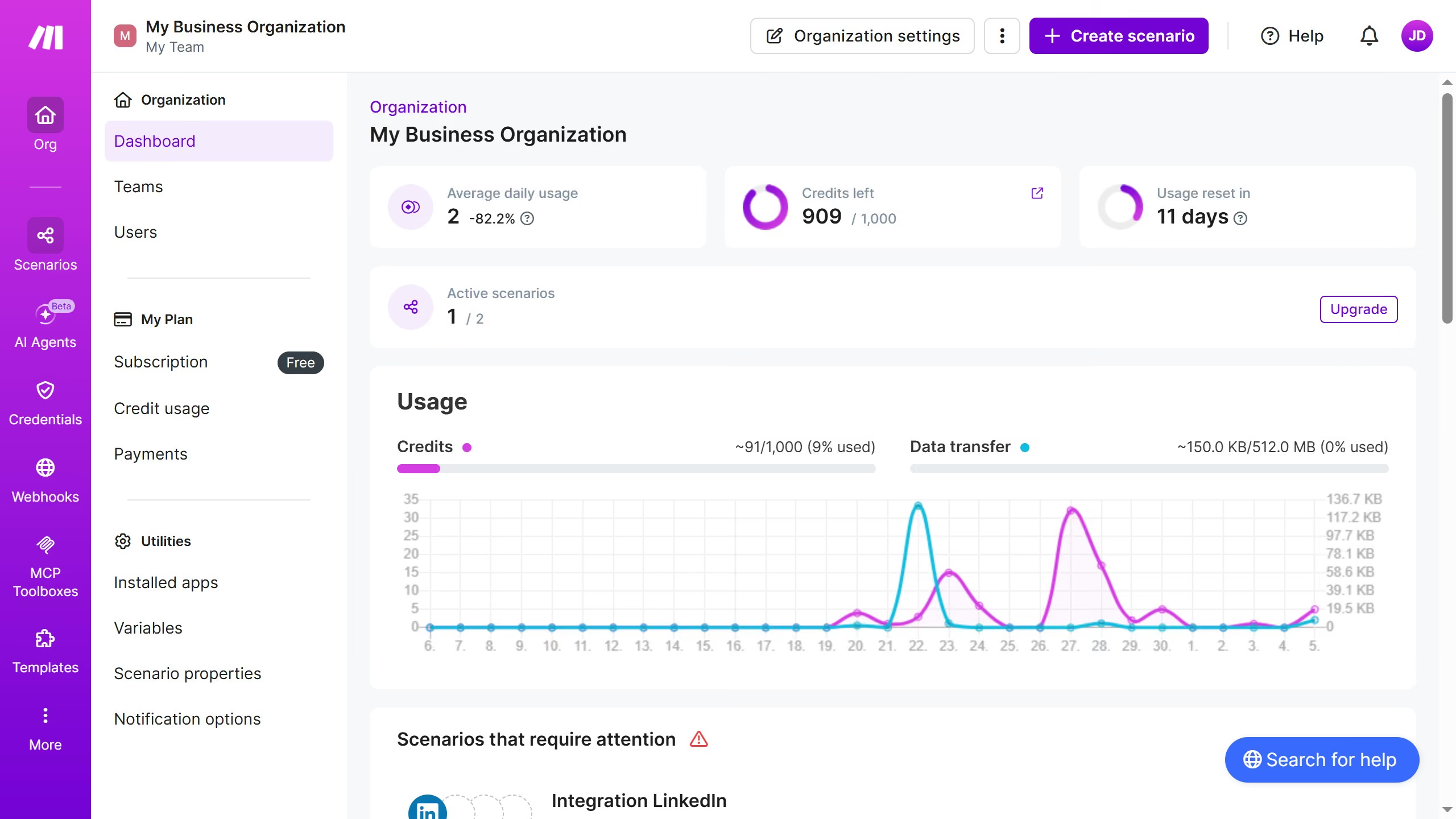
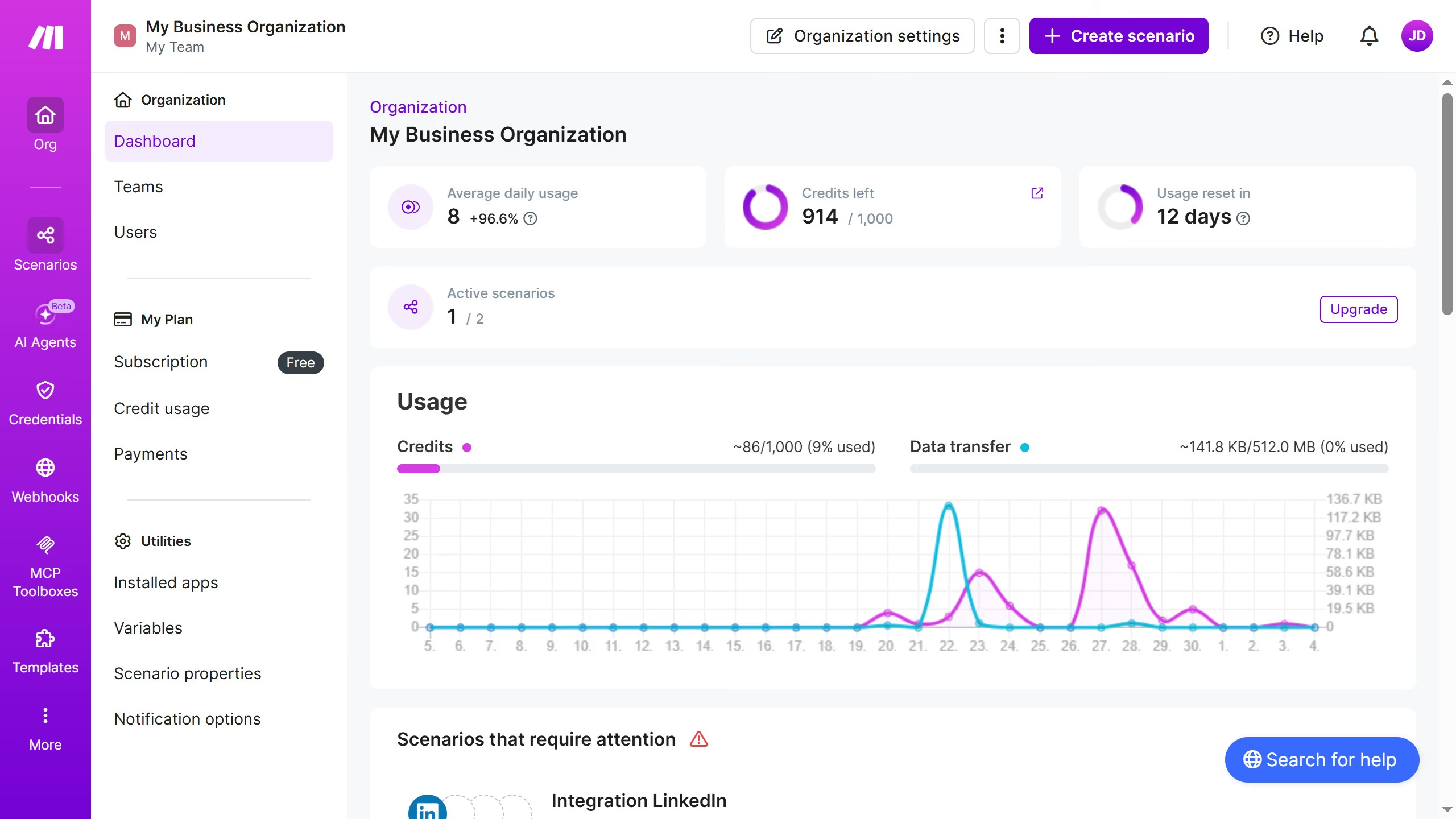
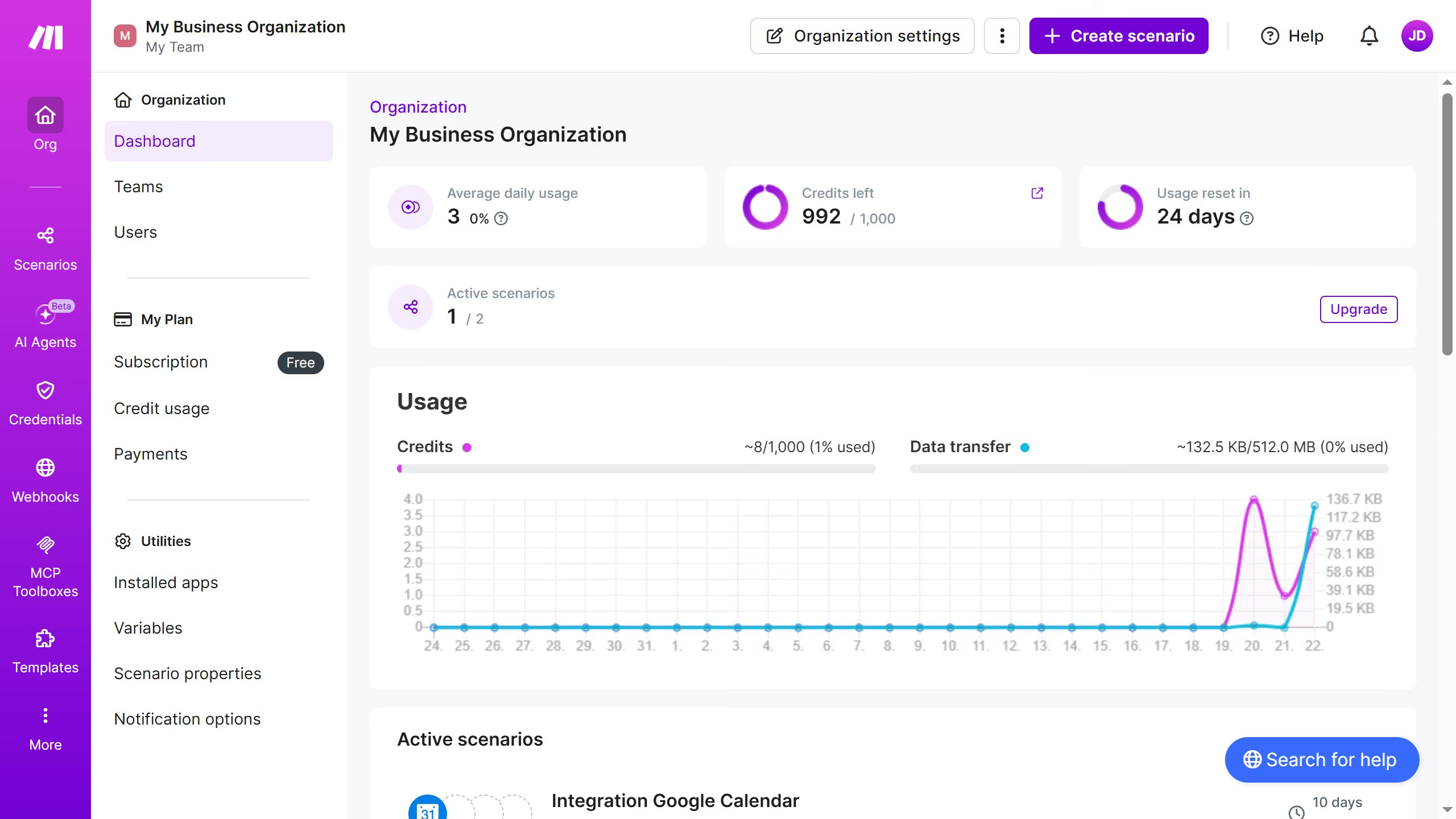
  1. First click on "Scenarios" button in the left sidebar
  2. Then click on the Google Sheets scenario in the main panel
  3. Next click on the "Options" button in the top action bar
  4. Then select "Scheduling" from the dropdown menu
  5. Next click on the time input field to set the schedule time
  6. Finally click on the "Save" button

Create your own interactive guide with Guideflow

Why should you set time for a weekday running schedule for Google Sheets scenario in Make

Make is a powerful automation platform designed to streamline workflows across various applications.

One of its standout features is the ability to set a specific time for a weekday running schedule for a Google Sheets scenario. This feature ensures your tasks are executed at the precise time you need, enhancing productivity without manual intervention.

By utilizing this scheduling capability, you align your data processing with real-time business operations, allowing for smoother transitions and up-to-date information at your fingertips.

Ultimately, organizing your workflow activities through this feature minimizes disruptions and maximizes efficiency, keeping your documents and tasks in sync effortlessly.

Last update
May 22, 2026
Cursor MariaA cursor points to a button labeled "James."

Create your first demo in less than 30 seconds.