How to manage daily running schedule for a Zapier scenario in Make
Here is how to manage daily running schedule for a zapier scenario in make
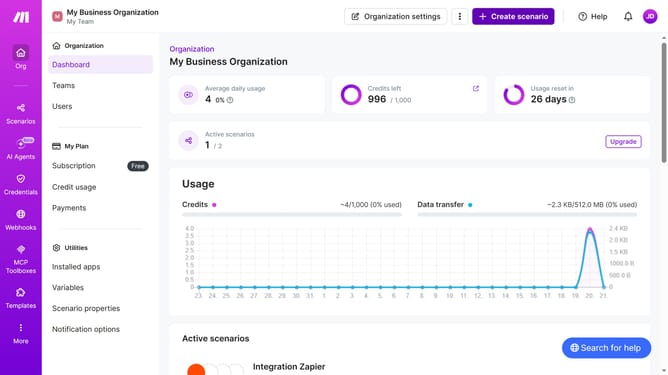
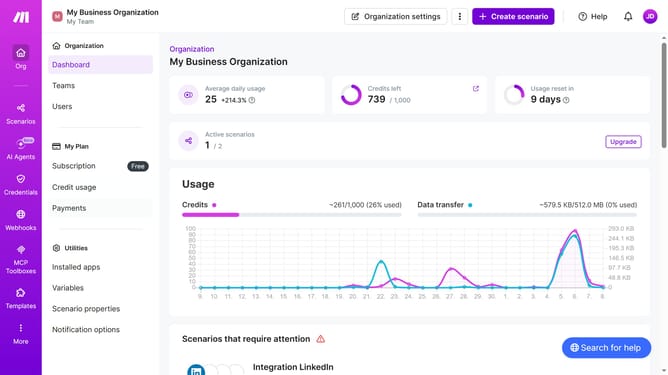
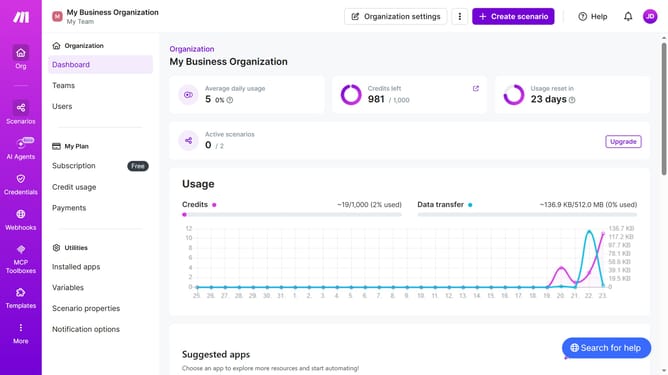
- First, click on "Scenarios" in the left sidebar
- Then, click on the Zapier scenario in the list
- Next, click on the "Options" dropdown menu
- Then, select "Scheduling" from the options
- After that, click on the "Run scenario" dropdown in the "Schedule settings" modal
- Then, select "Daily" from the dropdown list
- Finally, click on the "Save" button
Why should you manage daily running schedule for a Zapier scenario in Make
Make is a powerful automation platform designed to streamline workflows by connecting apps and services effortlessly.
Managing a daily running schedule for a Zapier scenario in Make unleashes unparalleled flexibility, allowing you to tailor automation flows according to your specific timing needs.
This feature not only enhances efficiency by ensuring tasks are executed at optimal times but also offers peace of mind by minimizing the risk of lags and errors.
Utilizing Make for scheduling serves as a strategic advantage, boosting productivity while freeing up valuable time for more critical tasks.
Last update