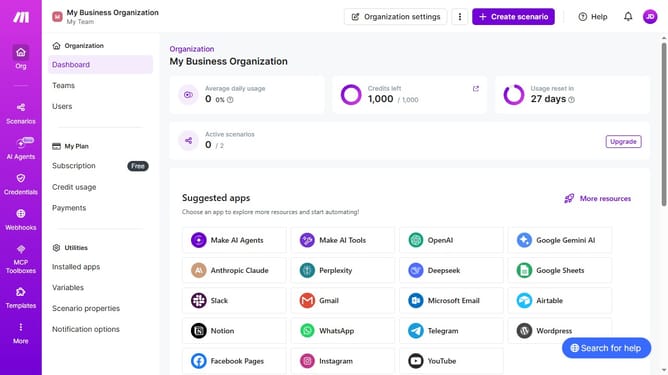
How to manage daily running schedule for a Discord scenario in Make
Here is how to manage daily running schedule for a discord scenario in make
- First click on "Scenarios" item in the left sidebar
- Then click on the Discord scenario in the list
- Click on the "Options" button to open the dropdown menu
- Then click on the "Scheduling" option from the dropdown menu
- Click on the "Run scenario" dropdown item in the "Schedule settings" modal
- Then select "Daily" from the presented options
- Finally click on the "Save" button
Why should you manage daily running schedule for a Discord scenario in Make
Make empowers users to automate tasks and streamline workflows effortlessly across various platforms.
Efficiently managing a daily running schedule for a Discord scenario in Make ensures consistency and reliability in communication channels. By leveraging Make, users can automate timing, easily adjust parameters, and set specific triggers to align seamlessly with their daily objectives.
Consistently using this feature minimizes manual intervention, freeing up time for more strategic activities and ensuring processes run smoothly without oversight.
Last update