How to update your business category in Make
Here is how to update your business category in make
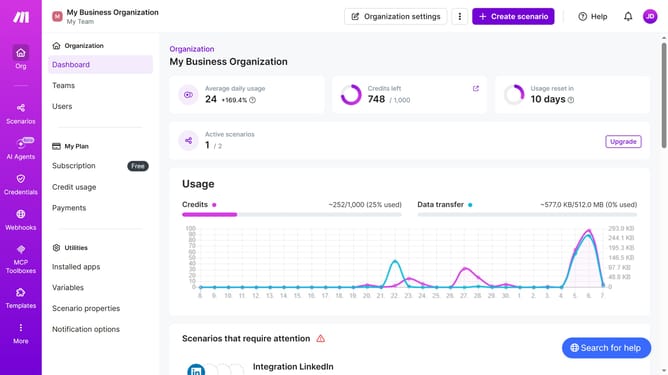
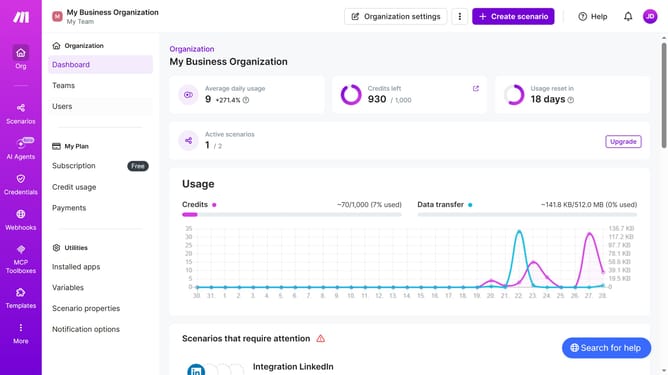
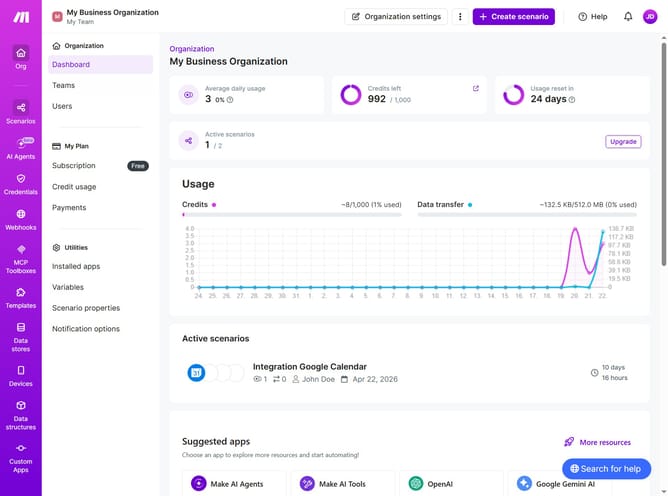
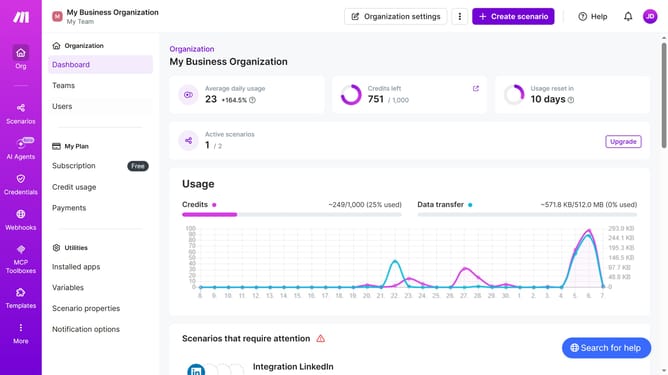
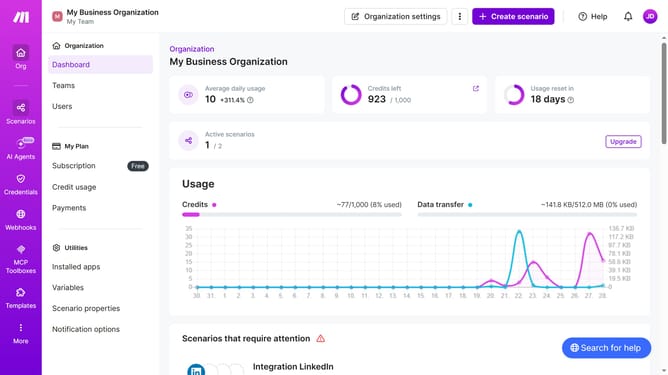
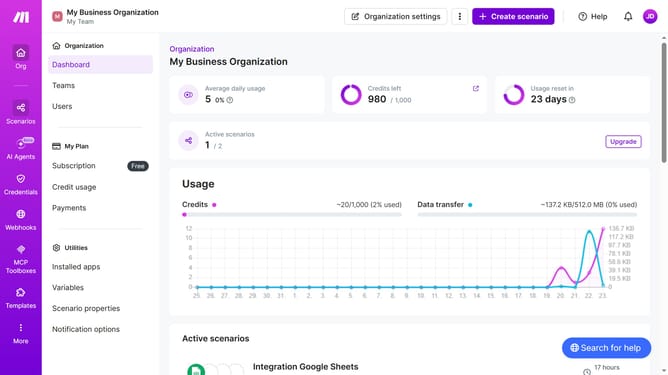
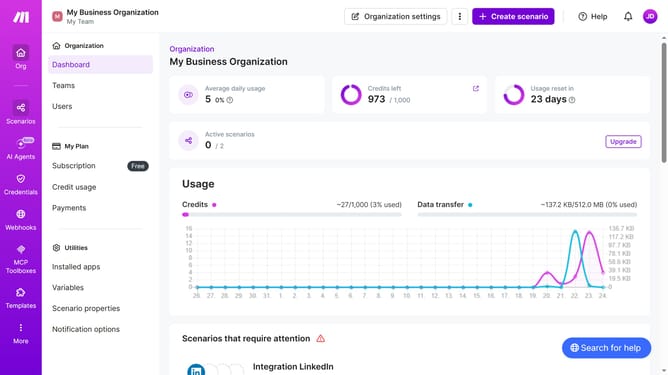
- First click on the three dots icon in the header
- Then click on "Change billing details" option in the dropdown menu
- Then click on the "I am a business" dropdown
- Then select "Yes" from the dropdown
- Finally click on the "Save" button
Why should you update your business category in Make
Make is a versatile platform designed to streamline and automate your business processes effortlessly.
Updating your business category in Make is a feature that allows your brand to remain relevant and aligned with industry trends. Keeping your business category up to date ensures that your company is easily discoverable and accurately represented.
By regularly revisiting and updating your category, you enhance your visibility and better target your audience, leading to improved engagement and business growth.
Last update