How add Zoom app in Make
Here is how add zoom app in make
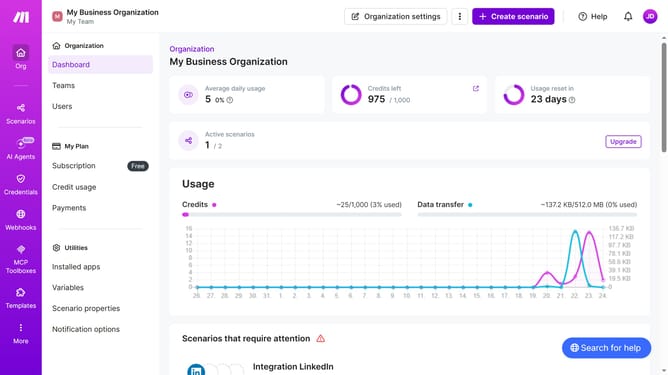
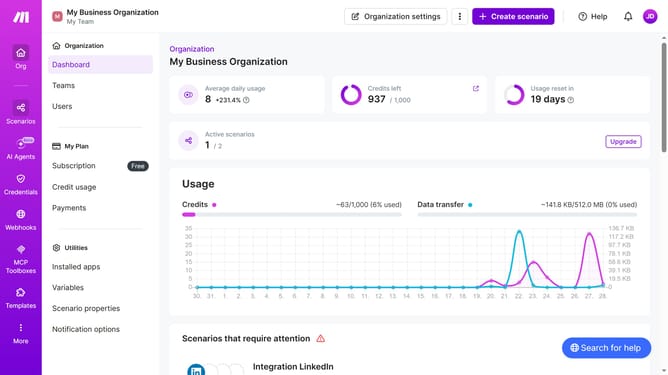
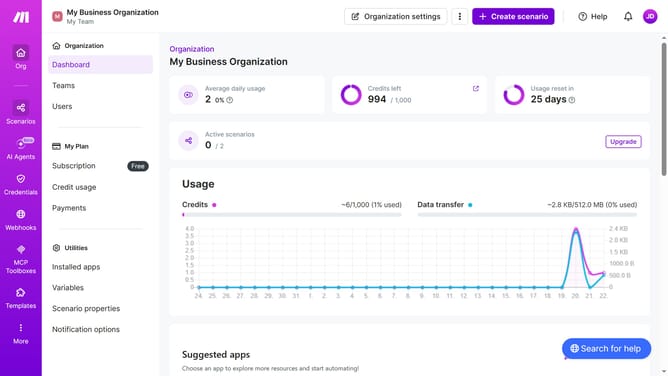
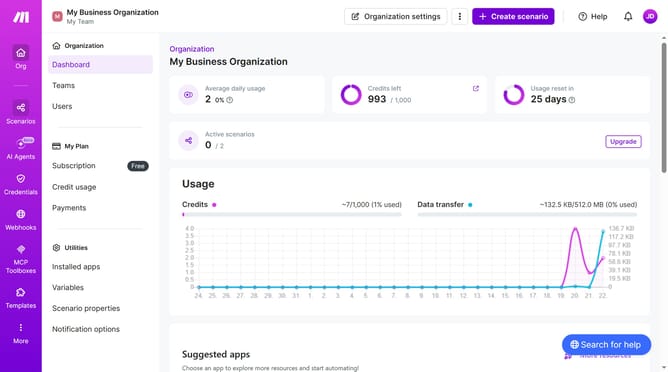
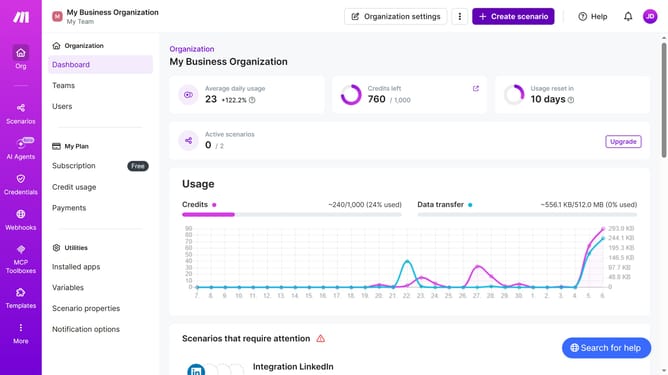
- First click on "Create scenario" button
- Then click on the search input field and search for Zoom
- Then click on "Zoom" text
- Then click on "Create a meeting" option
- Then click on "Create a connection" button
- Then type your connection name into the "Connection name" input field
- Then click on the "Save" button in the "Create a connection" modal
- Then type your topic into the "Topic" input field
- Then click on the dropdown for the "Type" field
- Then select "Scheduled Meeting" from the dropdown
- Then click on the "Duration in Minutes" input field
- Then click on the calendar icon
- Then click on a date
- Then click on the "Save" button in the "Create a meeting" modal
- Then click on the save button
Why should you How add Zoom app in Make
Make is a powerful platform designed to automate workflows and simplify complex processes.
By adding the Zoom app to Make, users can seamlessly integrate video conferencing into their automated workflows.
This integration enables efficient scheduling of meetings, automatic sending of reminders, and streamlined management of virtual events.
Enhancing productivity and communication, adding Zoom to Make empowers teams to focus on more strategic tasks while the platform handles routine actions automatically.
Last update