How to add app OneDrive in Make
Here is how to add app onedrive in make
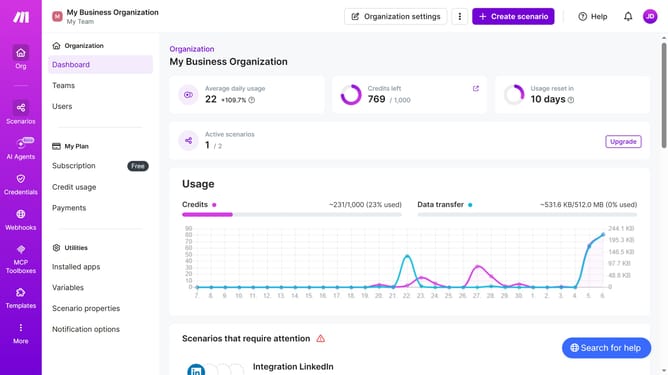
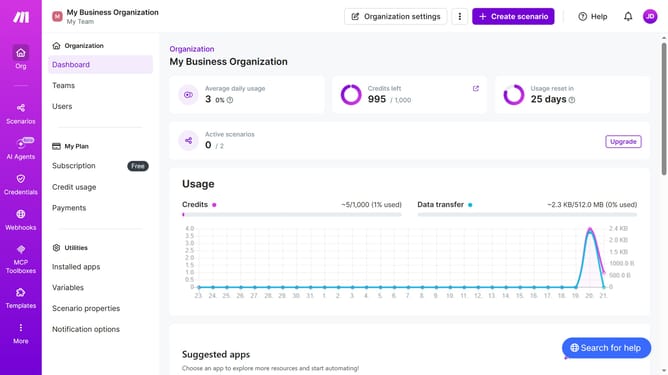
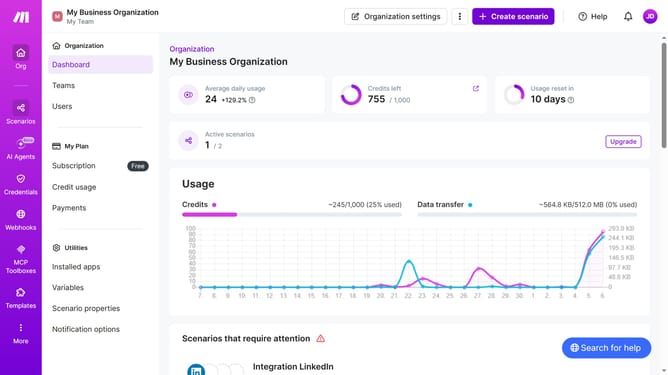
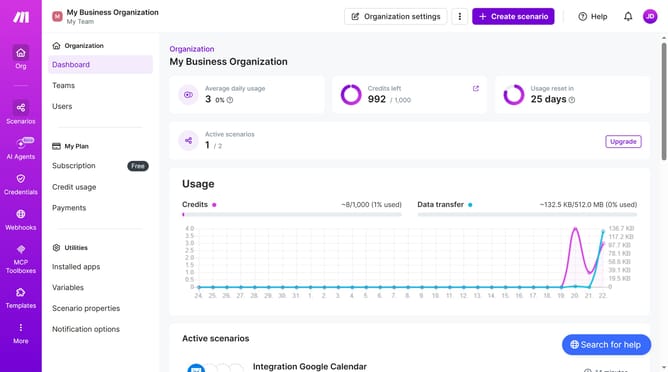
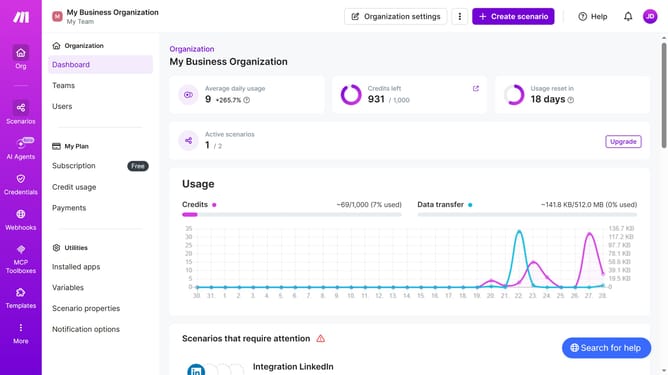
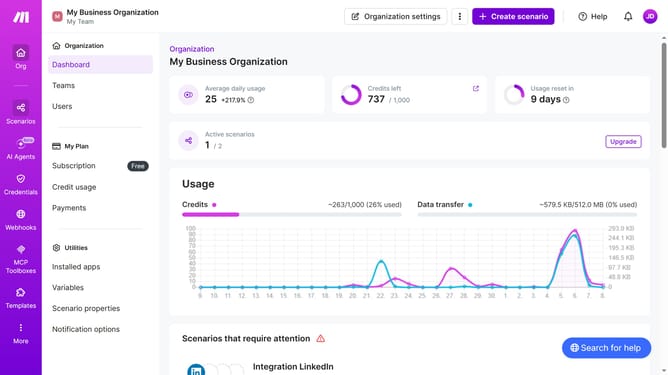
- First click on "+ Create scenario" button in the header
- Then click on the "Search apps or modules" input field and type "OneDrive"
- Then click on the "OneDrive" app in the list of apps
- Then click on "Create a Folder" option
- Then click on "Create a connection" button
- Then click on "Save" button in the connection modal
- Then click on the input field for "New Folder Name" and enter your preferred folder name
- Then click on the "Save" button in the folder creation modal
- Finally, click on the "Save" button
Why should you add app OneDrive in Make
Make is a powerful automation platform that connects your favorite apps and services to streamline tasks and processes effortlessly.
Integrating OneDrive with Make enhances your workflow by allowing seamless file management and sharing directly within the automation tool. This connection enables automatic data synchronization, reducing manual document handling and improving overall efficiency.
By leveraging OneDrive in Make, you can ensure your files are always accessible, up-to-date, and in sync with other connected applications, providing an organized and productive work environment.
Last update