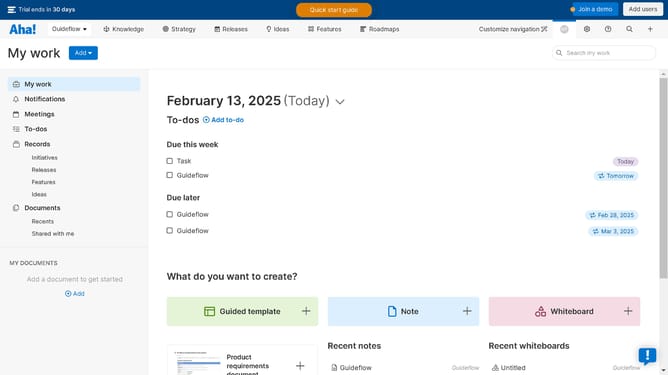
How to set up recurring to-dos on Aha!
Here is how to set up recurring to-dos on aha!
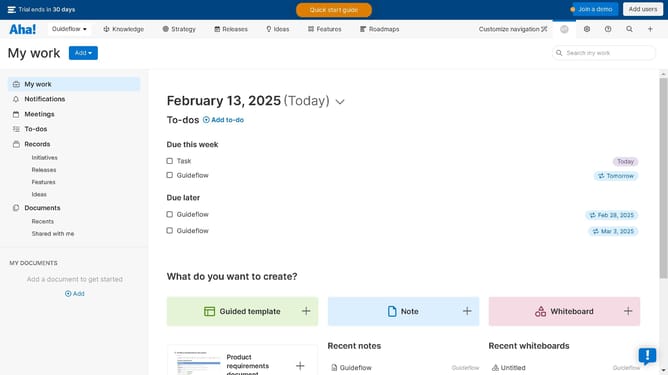
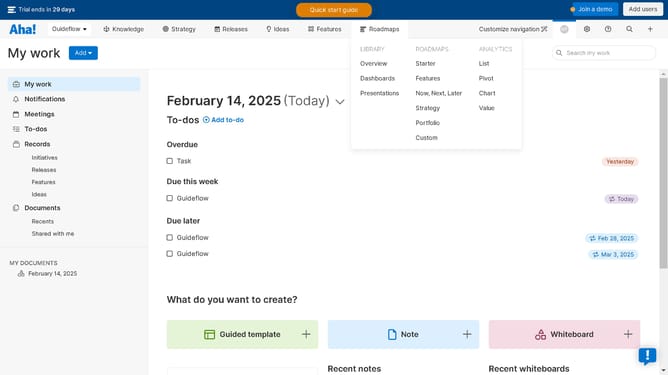
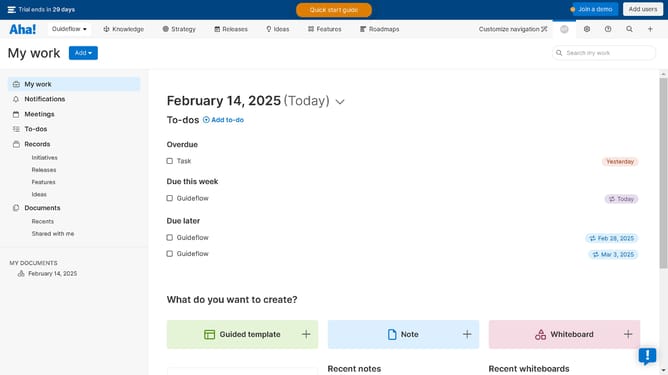
- First click on the "Guideflow" task item in the main content area under the "Due this week" section
- Then click on the dropdown field in the task details panel beside the "Recurring" option
- Finally click on the date option from the recurring frequency dropdown menu
Why should you set up recurring to-dos on Aha!
Aha! is a comprehensive roadmapping software that empowers teams to set strategy, prioritize work, and create visual plans.
The ability to set up recurring to-dos in Aha! can transform your workflow efficiency by automating repeat tasks and reminders, ensuring nothing slips through the cracks.
Using recurring to-dos not only saves time but also reduces the mental load of remembering every detail, allowing teams to focus on strategic tasks that align with their goals.
This feature enhances consistency across projects and ensures timely task completion, ultimately propelling your efforts towards achieving seamless project management.
Last update