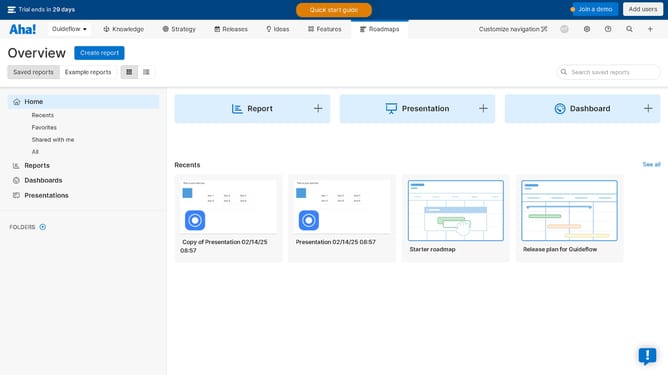
How to import data from a CSV file on Aha!
Here is how to import data from a csv file on aha!
- First click on the "Settings" tab in the top navigation menu
- Then click on "Workspace" in the workspace settings menu
- Next click on "Import from CSV" in the left sidebar menu
- Click on the dropdown menu to choose a record type of the CSV file
- Click the "Choose a file" button to upload the file
- After uploading, verify your CSV data is mapped correctly in the fields mapping section
- Finally click the "Import" button to start the import process
Why should you import data from a CSV file on Aha!
Aha! is a leading roadmapping tool designed to align your team’s strategy with execution.
Importing data from a CSV file into Aha! streamlines the transition of critical information directly into your projects. This efficient feature is incredibly beneficial for teams aiming for a unified view, helping to centralize data and eliminate the risk of manual entry errors.
Utilizing this capability not only boosts productivity but also enhances accuracy, ensuring that your team has access to updated and relevant information for better decision-making.
Last update