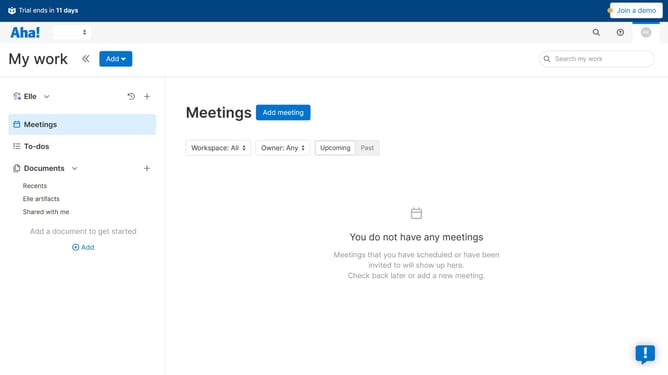
How to create a presentation on Aha!
Here is how to create a presentation on aha!
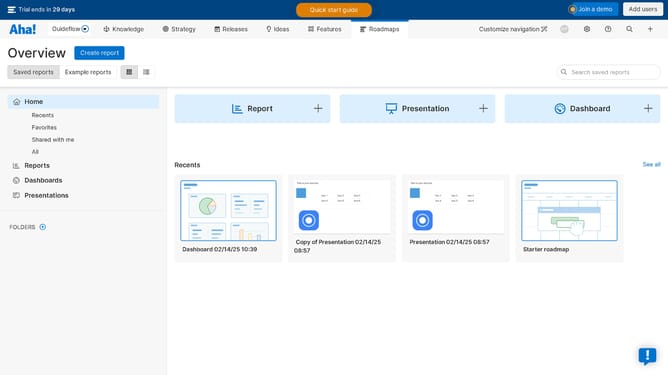
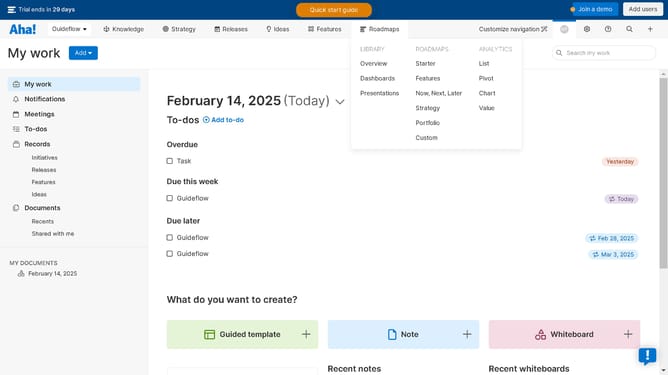
- First click on "Presentations" in the Library section of the interface
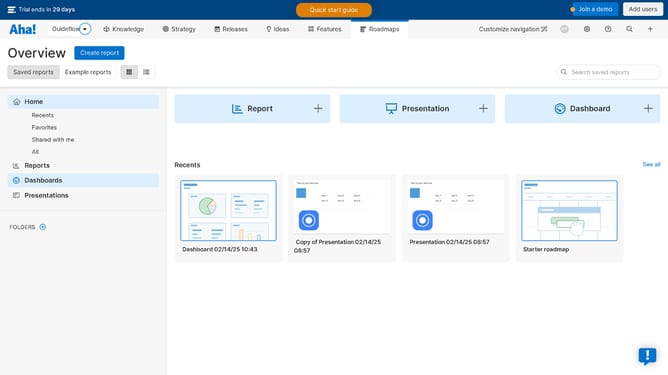
- Then click on "Create new presentation" button at the bottom of the page
Why should you create a presentation on Aha!
Aha! is a powerful roadmapping tool designed to streamline product development and strategy.
Creating a presentation on Aha! allows you to effortlessly compile product plans and strategies into visually engaging slides.
By consolidating your project data into presentations, you benefit from a cohesive view that enhances collaboration and decision-making. This feature enables stakeholders to quickly grasp product visions and progress, facilitating effective communication across teams.
Last update