How to filter a dashboard on Aha!
Here is how to filter a dashboard on aha!
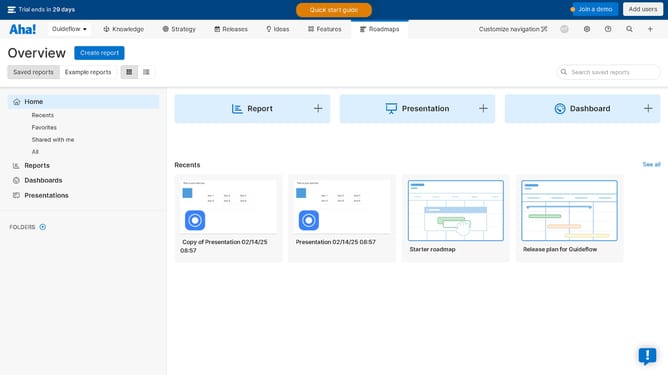
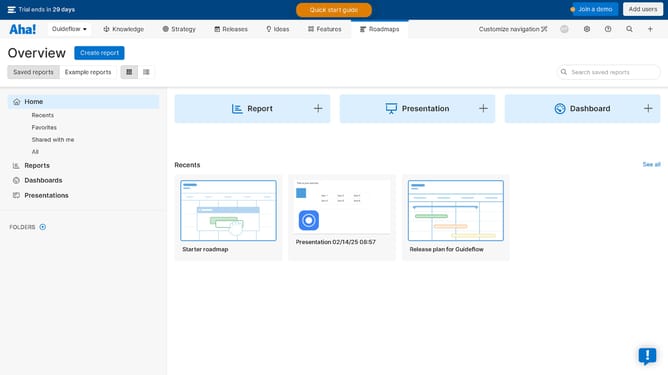
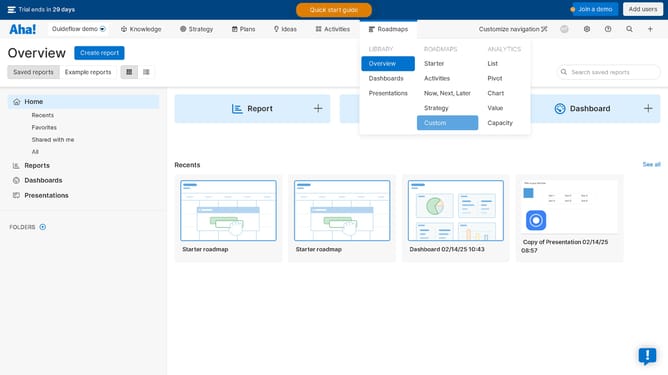
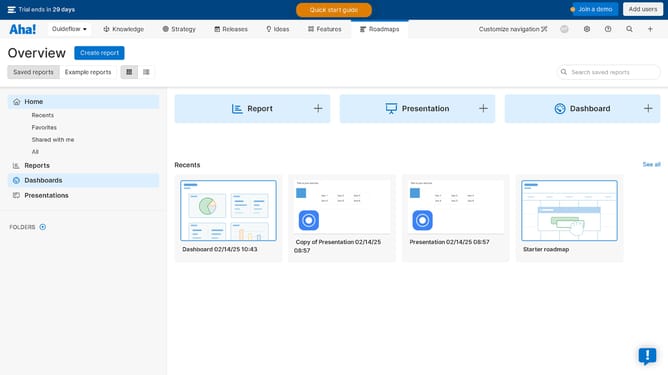
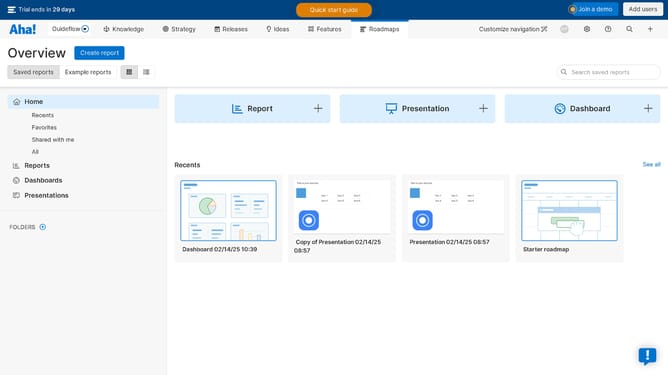
- First click on "Dashboards" in the left sidebar navigation menu
- Then click on the item from the dashboard list
- Next click on the "Add filters" dropdown button at the top of the dashboard
- Then select the filters from the record type dropdown menu
- In the filter options, click on the text field to include in your filters
- Finally click the "Add" button to apply the selected filters to the dashboard
Why should you filter a dashboard on Aha!
Aha! is a comprehensive product roadmap software designed to empower planning and execution processes.
Filtering a dashboard on Aha! enhances your data interaction by allowing you to customize views based on specific criteria. This feature empowers you to focus on particular elements of a project, offering clarity and helping prioritize tasks effortlessly.
Using filters in Aha! means you can quickly hone in on critical information, streamline your workflow, and ensure insights are directed towards actionable strategies, maximizing productivity and alignment.
Last update