How to copy a presentation on Aha!
Here is how to copy a presentation on aha!
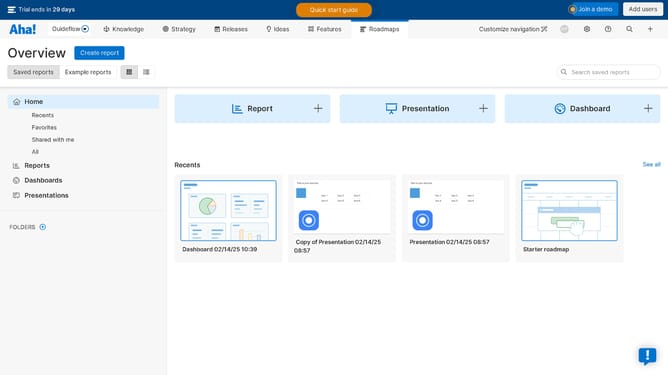
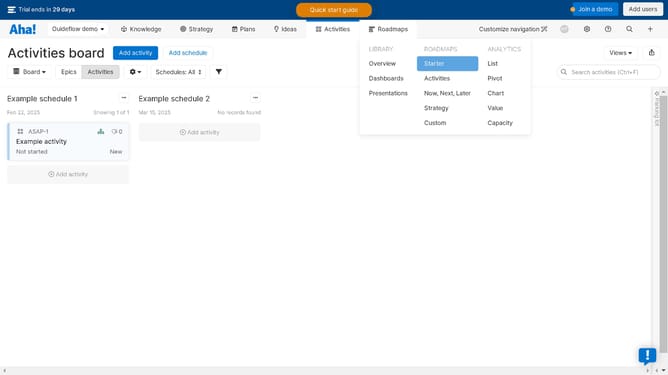
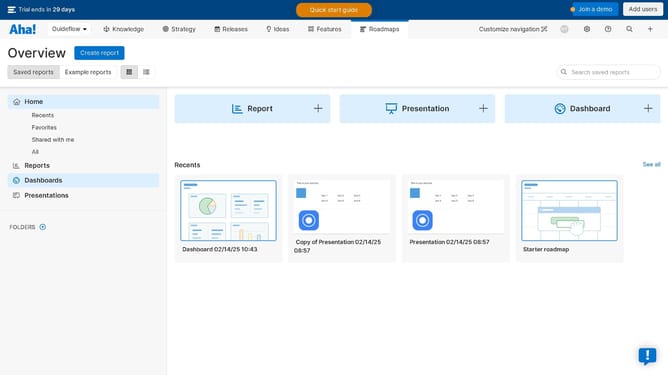
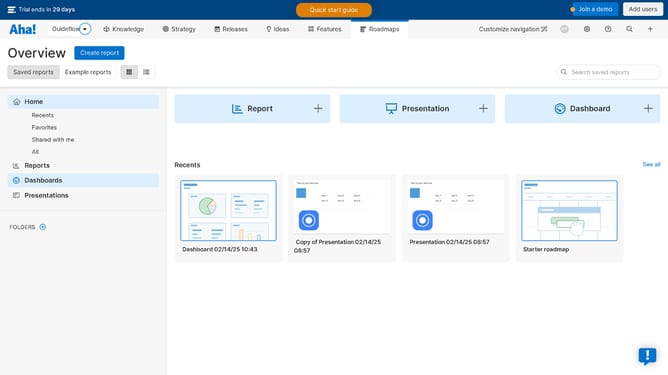
- First click on "Presentations" in the left sidebar menu
- Then click on presentation item in the presentations list
- Next click on "Action" button in the top right corner
- Finally click on "Copy presentation" option in the actions menu
Why should you copy a presentation on Aha!
Aha! is a premier platform for product and project management, designed to help teams build and market great products.
The ability to copy a presentation on Aha! is a streamlined feature that enhances productivity by allowing users to effortlessly duplicate their work.
This feature supports team collaboration, ensuring consistent presentations and facilitating easy updates, saving valuable time.
By using this feature, teams can maintain dynamic presentations without the tedious task of starting from scratch, driving efficiency and clarity in communication.
Last update