How to create a Starter roadmap on Aha!
Here is how to create a starter roadmap on aha!
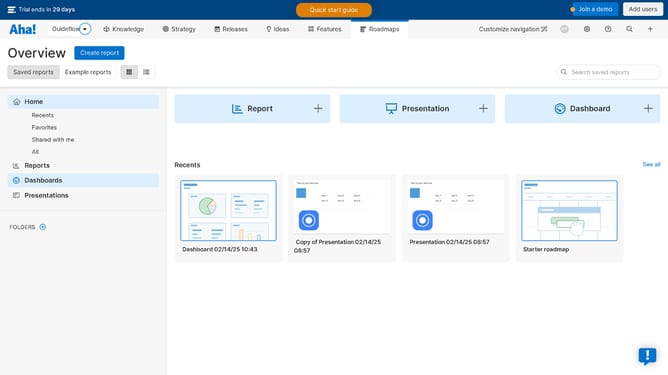
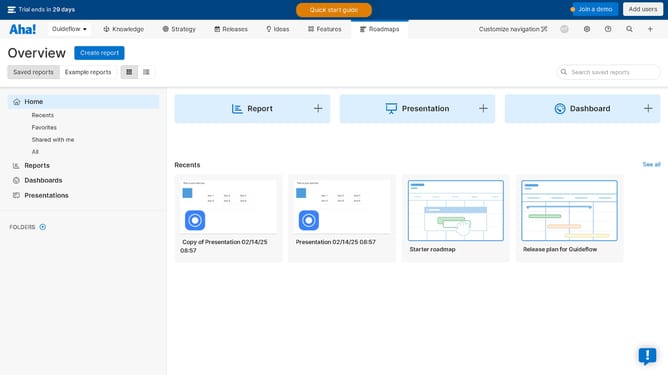
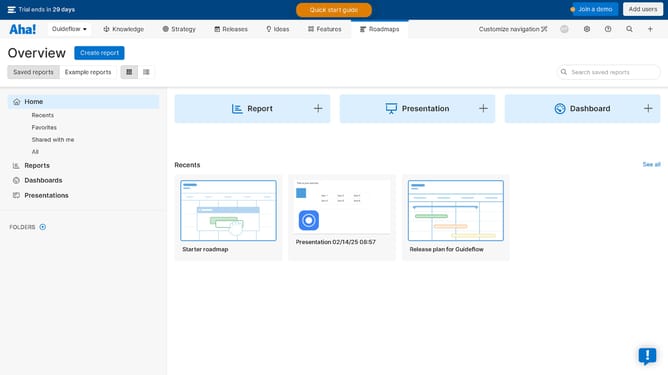
- In the top navigation menu, click on the "Starter" tab in the ROADMAPS section
- It will automatically create you a starter roadmap to work with
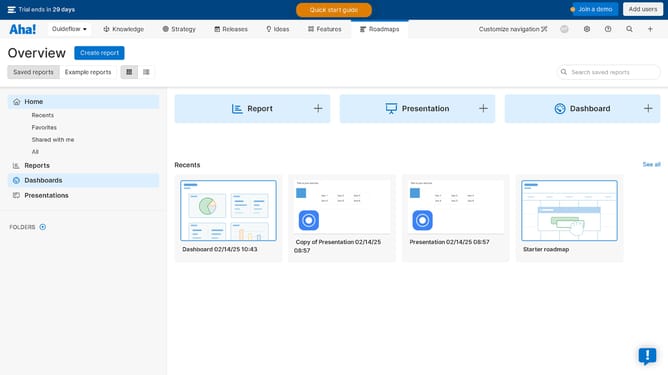
- In the upper right corner of the roadmap view, click the "Save view" button
- In the save view dialog modal, click the "Save view" button at the bottom to confirm saving
Why should you create a Starter roadmap on Aha!
Aha! is a powerful tool for product and project management, designed to bring clarity and direction to your team's objectives.
Creating a Starter roadmap on Aha! is a seamless way to visualize your high-level goals and strategic initiatives.
It allows for easy alignment of tasks and priorities, ensuring everyone is on the same page and understands the bigger picture.
This efficient feature saves time, enhances focus, and supports successful project delivery by highlighting critical milestones and dependencies.
Last update