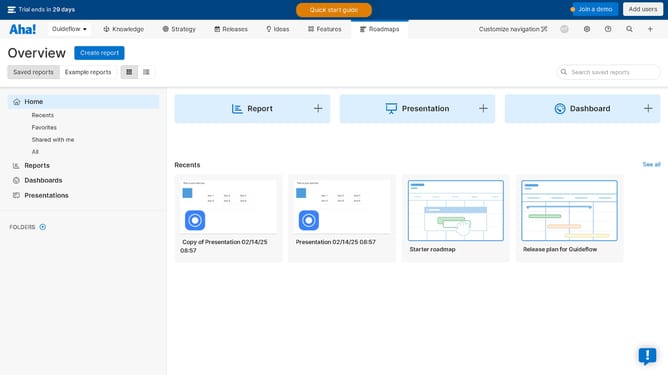
How to remove an object from a roadmap on Aha!
Here is how to remove an object from a roadmap on aha!
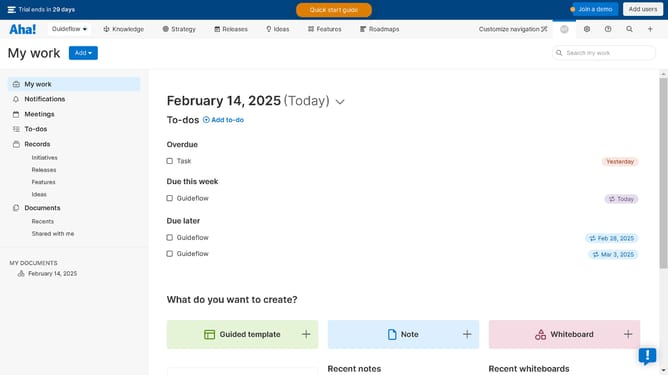
- First click on the item in the left sidebar document list
- Next click on the object in the section of the whiteboard
- Then click on the "More" menu button in the top toolbar of the sticky note editor
- Finally click on the "Delete" option in the dropdown menu
Why should you remove an object from a roadmap on Aha!
Aha! is a powerful tool designed to help teams craft brilliant strategies and showcase impactful roadmaps.
The ability to remove an object from a roadmap on Aha! ensures that your presentation remains current and focused, highlighting only the most relevant elements.
Using this feature helps streamline communication and coordination among team members by eliminating outdated or unnecessary components.
This not only maintains project clarity but also improves stakeholder alignment and decision-making efficiency.
Last update