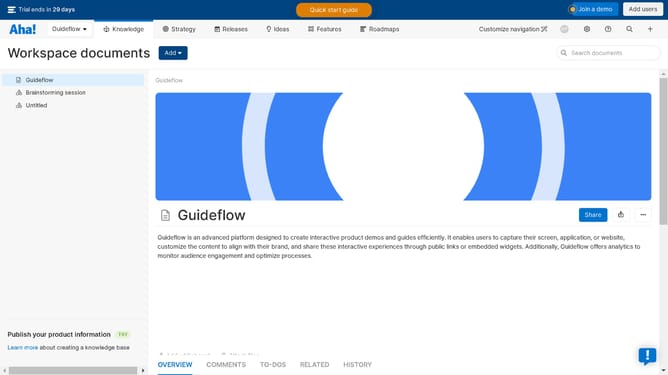
How to share a report, roadmap, or view on Aha!
Here is how to share a report, roadmap, or view on aha!
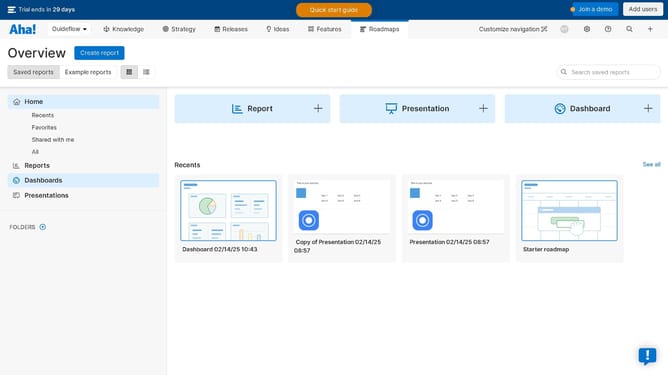
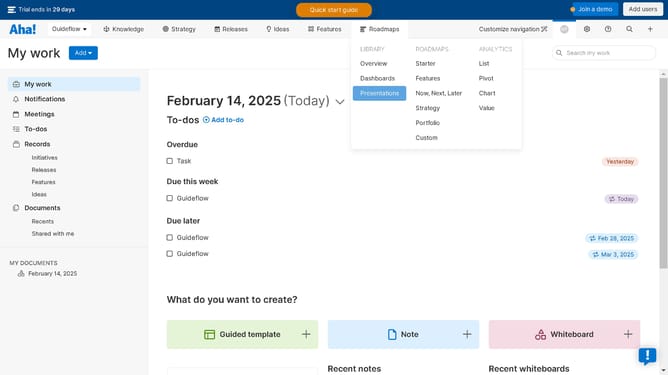
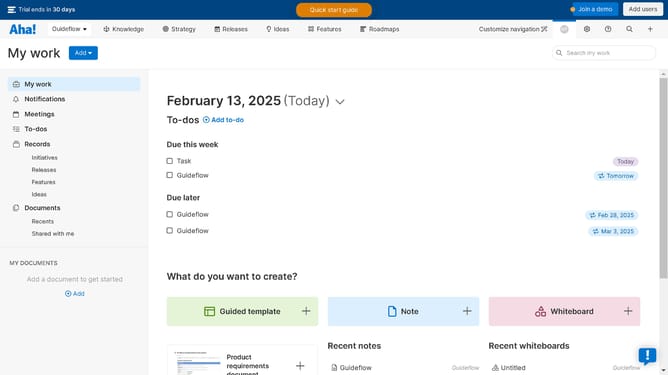
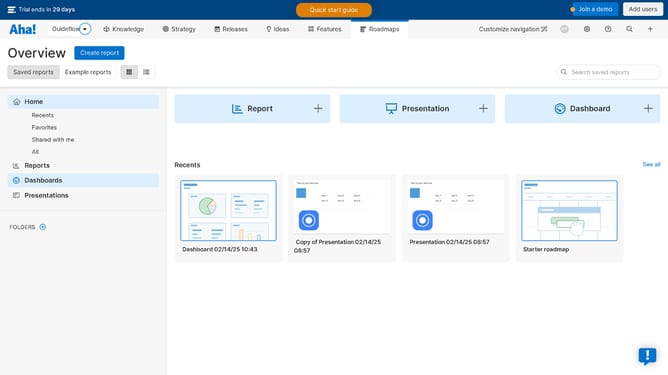
- First click on the "Roadmaps" button in the top navigation menu
- Then click on the "Share" button in the top-right toolbar
- Next click on the "Save view" button in the upper right corner
- In the save view dialog, click on the dropdown arrow to configure the options
- Finally click on the "Save view" button in the bottom-right of the dialog
Why should you share a report, roadmap, or view on Aha!
Aha! is a comprehensive platform designed to help teams innovate and achieve strategic planning excellence.
Sharing reports, roadmaps, or views in Aha! enables seamless collaboration, bringing clarity and alignment within teams. It transforms complex data into accessible insights, fostering informed decision-making.
This feature encourages transparency, allowing stakeholders to engage meaningfully with the material. By sharing these insights efficiently, teams cultivate an environment of understanding and strategic unity.
Last update