How to build a roadmap on Aha!
Here is how to build a roadmap on aha!
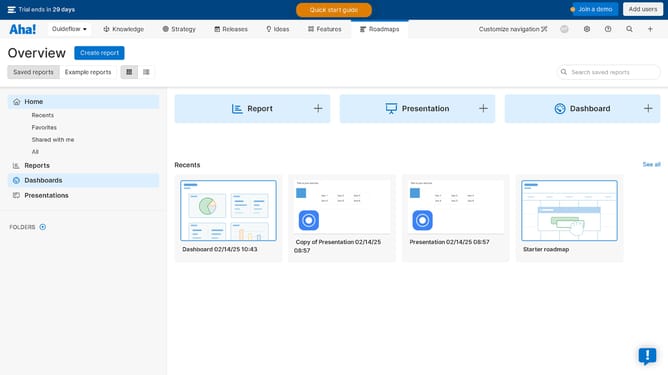
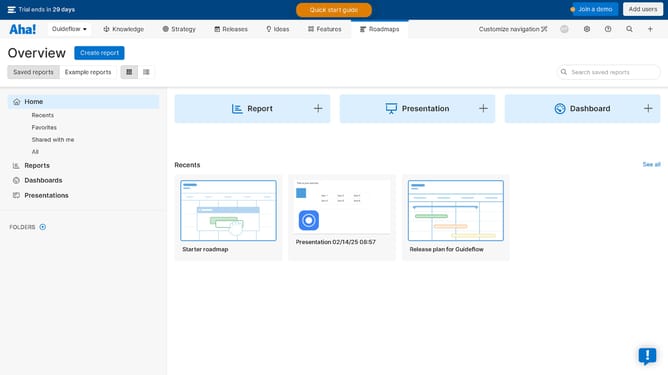
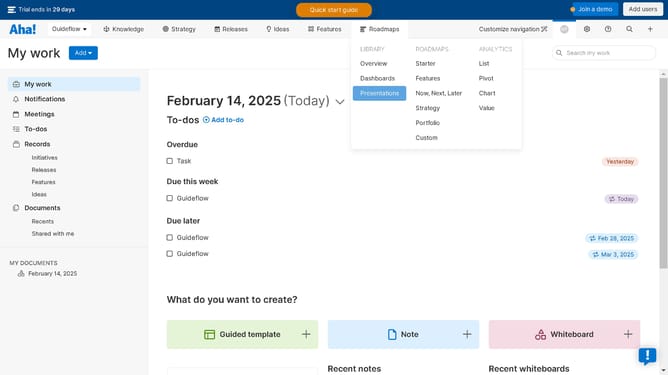
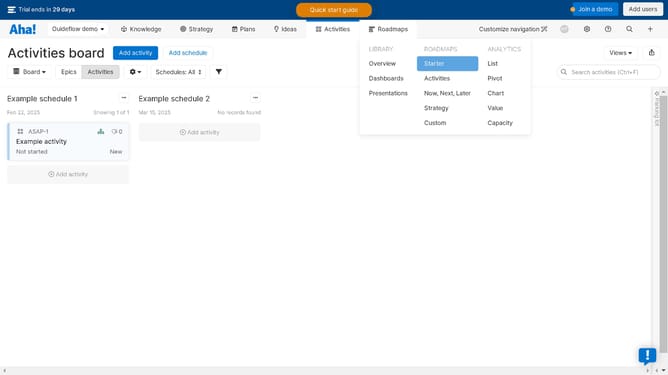
- First click on "Custom" in the left sidebar menu under the ROADMAPS section
- Then click on "Create new roadmap" button in the top menu bar
- Next click on the record type in the left side of the window panel
- Click on the record of your choice in the section to start building a custom roadmap
- Select the activities from the section of your choice in the records list
- Click on "Next" button from the bottom right of the window panel
- Click on the "Add fields" tab in the configuration dialog
- Click on the "Next" button again to continue configuration
- Finally click on "Create report" button again to complete the process
Why should you build a roadmap on Aha!
Aha! empowers teams to set strategy, build visual roadmaps, and report on developments efficiently.
Building a roadmap on Aha! allows you to seamlessly align your team's goals with strategic priorities. This feature helps in visualizing timelines, setting milestones, and clearly defining responsibilities.
Utilizing a roadmap ensures that everyone is on the same page, enhances collaboration, and streamlines project management. It fosters a shared understanding, allowing teams to focus on delivering impactful results.
Using Aha! is key to steering projects towards success with clarity and purpose.
Last update